
Most homeowners who search for lutron control 4 are already feeling the problem.
You may have smart bulbs in one app, music in another, cameras somewhere else, and motorized shades with their own remote that always seems to disappear. Movie night takes five taps, two remotes, and one person who “knows how the system works.” That isn’t a smart home. It’s a pile of disconnected gadgets.
A well-designed integrated home feels very different. You press one button labeled Movie Night, and the room responds the way you expect. Lights fade. Shades lower. The theater starts. The music outside stays outside. Nobody has to remember which brand controls what.
That kind of experience usually comes from pairing two specialist platforms. Lutron handles lighting and shades with the kind of polish homeowners notice every day. Control4 ties the larger house together so audio, video, security, networking, voice control, and lighting all act like one system. When those two are set up correctly, the technology fades into the background and your home starts feeling calm instead of complicated.
A lot of people start with good intentions. One room gets a soundbar. Then a video doorbell. Then smart switches. Then shades. Then a streaming box. Then maybe a voice assistant. Each purchase makes sense on its own, but the house slowly turns into a set of separate islands.

That’s where frustration builds. You don’t want more technology. You want less effort. If you’re comparing platforms and trying to understand what smart technology means in daily life, that’s the ultimate goal. It’s not about collecting devices. It’s about making the home respond in a simple, dependable way.
The biggest mistake is assuming “compatible” means “integrated.” A device can technically connect and still feel awkward to use. Maybe the lights dim, but the shades don’t move. Maybe the TV starts, but the room stays bright. Maybe voice control works one day and feels clumsy the next.
A smart home should reduce decisions, not create more of them.
Homeowners often get confused because many products claim to do everything. In practice, the best systems usually come from combining specialists. One platform excels at light and shade control. Another acts as the control layer for the whole house.
With a proper lutron control 4 setup, the house starts behaving more like a coordinated system than a collection of brands. A keypad by the back door can trigger an evening scene. A touchscreen can manage music, cameras, and lighting in one place. A voice command can adjust a room without making you say five separate instructions.
That’s the shift people notice most. Not flashy features. Relief.
A lot of homeowners hear both names and assume they do the same job. They do not. They solve different parts of the smart home puzzle, and that distinction is what makes a good system feel easy to live with.
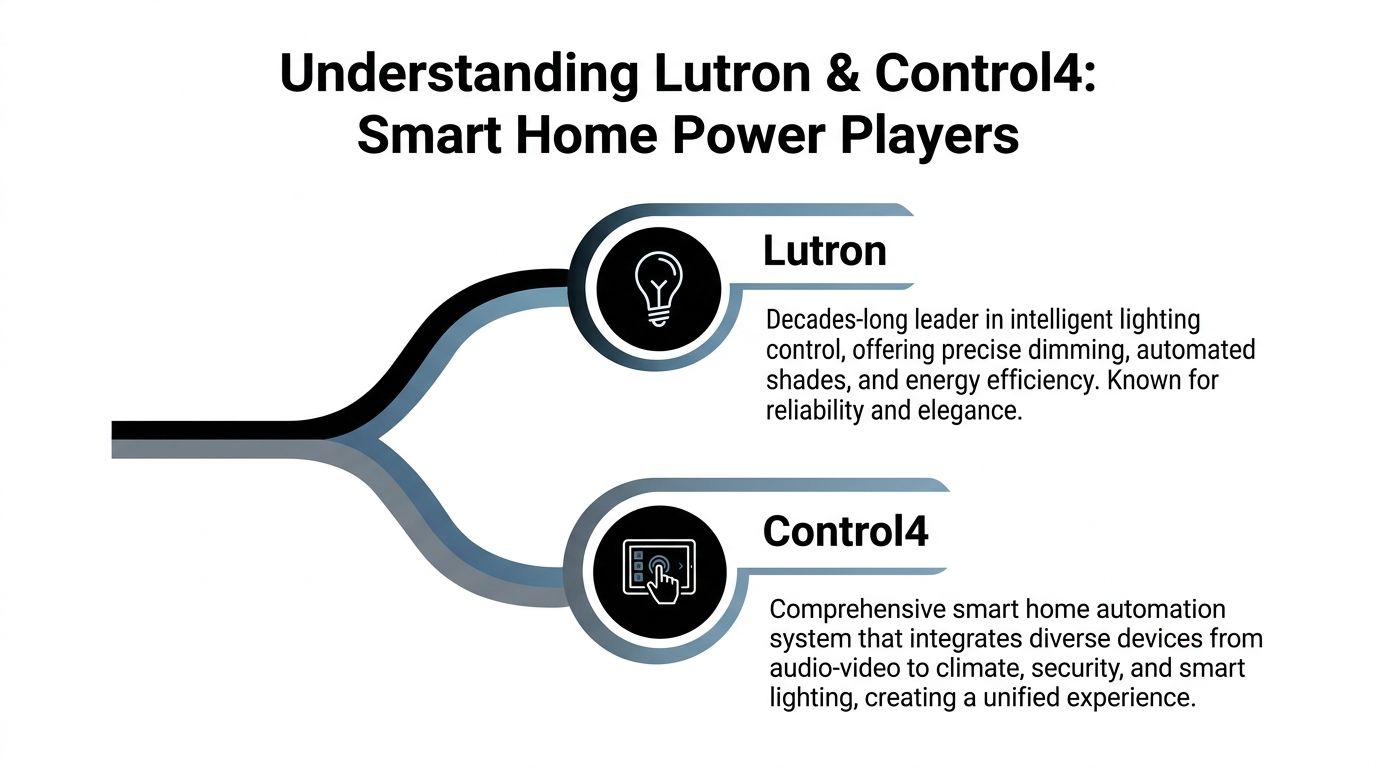
Lutron’s job is focused. It controls how lights turn on, dim, and fade, and how shades rise or lower throughout the day. That may sound narrow at first, but it affects the rooms you use more than almost anything else. Harsh dimming, buzzing fixtures, awkward wall controls, and shades that stop halfway all make a house feel less polished.
Lutron has spent decades refining those details. The result is a system that usually feels calm and predictable. A button press gives you the scene you expected. The lights fade cleanly. The shades move at a measured pace. For homeowners, that means less fiddling and a house that feels finished.
If you want a closer look at the lighting side, this overview of Lutron smart home solutions shows how dimmers, keypads, shades, and scene control fit into a professionally designed home.
Control4 handles a broader assignment. It connects the major systems in the home so you can control them from one app, one touchscreen, one remote, or one keypad. Lighting can be part of that picture, but so can music, TVs, projectors, security cameras, door locks, video doorbells, thermostats, and voice control.
A good analogy is simple. Lutron works like the dedicated lighting team. Control4 works like the house manager calling cues so every system responds at the right time.
That matters most in real homes across Wisconsin and Illinois, where families often have a mix of priorities. One homeowner wants better lighting for an open-concept kitchen. Another wants the basement theater, patio audio, cameras, and front door lock to work from the same interface. Control4 is strong in those mixed-system environments because it gives the home a single operating layer instead of a pile of disconnected apps.
The strongest smart homes often combine specialists. Lutron handles the details of light and shade control. Control4 coordinates the bigger experience around them.
Here is the practical difference. If you press "Good Night," Lutron can shut off lighting scenes and lower shades with precision. Control4 can also make sure the TVs turn off, the doors lock, the alarm arms, and the thermostat shifts to nighttime settings. One system is excellent at its specialty. The other helps the whole house act like one plan.
That is why homeowners rarely benefit from framing this as Lutron versus Control4. A better question is which platform should handle which job.
| System | Primary role | What you notice at home |
|---|---|---|
| Lutron | Lighting and shade control | Better ambiance, cleaner keypads, smoother dimming, more consistent scenes |
| Control4 | Whole-home control | One place to manage AV, security, climate, lighting, and routines |
For many homes, especially larger properties or remodels with several technologies involved, lutron control 4 is not about choosing a winner. It is about giving each system the work it does best. That is also where a local integrator like Home AV Pros adds real value. We help homeowners in the Wisconsin and Illinois area avoid mismatched products and build a system that feels clear, reliable, and easy from day one.
The magic isn’t random. It comes from two systems speaking the same language through professional setup, proper hardware, and the right software driver.
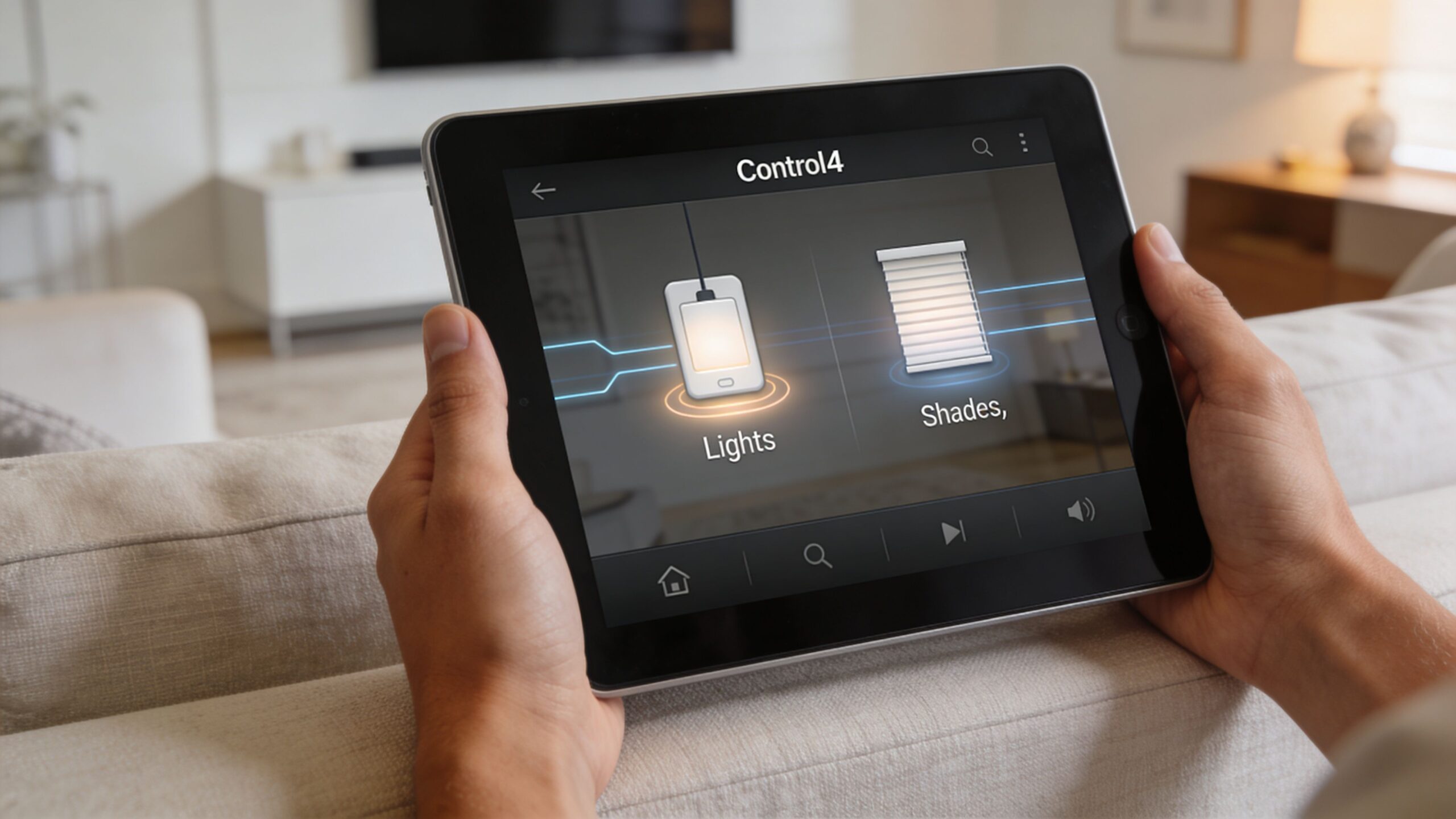
Not every Lutron product line is meant for the same depth of integration. The strongest Control4 pairings are typically built around HomeWorks QS or RadioRA 3. Those systems are designed for more advanced projects where lighting, keypads, shades, and scenes need to interact with the broader house.
The key idea is simple. Lutron handles the loads, dimming curves, shade positions, and wall controls. Control4 communicates with that Lutron system through native drivers, which act like a professional translator between the two platforms.
That translation layer is what lets one Control4 controller manage Lutron zones with 1% dimming increments, and it’s also what makes automation feel coordinated instead of patched together. A movie starting on Kaleidescape can trigger a 33% shade closure and dim lights to 66% automatically, as described in this Control4 and Lutron integration product reference.
You don’t see the driver. You see the result.
A keypad by the theater door might say Entertain, Clean, All Off, and Movie. A Control4 app might show the whole room on one screen. A Josh.ai command might trigger the same scene without anyone touching a wall button.
That’s why the experience feels polished. The user interface is simple because the programming behind it is not.
If you’re also planning exterior systems, low-voltage design matters too. This guide to wiring low voltage lighting is useful context for understanding why infrastructure decisions affect long-term reliability.
Software doesn’t do the job alone. In larger projects, the physical components matter a lot. One example is the Lutron QSMM-HW Motor Control Power Module, which is designed for HomeWorks QS systems and provides four independently controllable AC raise/lower outputs rated at 1.5 A each, from a single common AC input feed, according to the QSMM-HW specification document.
For a homeowner, that matters because shades in different rooms can move independently and predictably. For an integrator, it means cleaner system design.
Here’s a practical way to think about the integration stack:
Lutron hardware controls the physical world
Dimmers, keypads, processors, and shade modules handle the actual lighting and window treatment behavior.
Control4 creates the unified experience
It brings lighting together with theater control, music, doorbells, surveillance, and routines.
Programming connects intent to action
“Movie Night” isn’t one device command. It’s a sequence built across multiple systems.
A quick visual walkthrough can help make that idea click:
When homeowners say they want everything to “just work,” they’re really asking for good system architecture.
A well-designed Lutron and Control4 system earns its keep in ordinary moments. You press one button at bedtime. The first floor settles down, the upstairs hallway stays softly lit, the doors lock, and the shades adjust for privacy. Nothing feels technical. It just feels like the house understood what you needed.
That is the core value for homeowners in Wisconsin and Illinois. A smart home should reduce friction on dark winter evenings, busy school mornings, and weekends when the house is full of people. A polished integration does not add more apps and more decisions. It removes them.
A media room is a good example because it shows how these systems divide the work. Lutron handles the lighting levels and shades with precision. Control4 acts like the conductor, calling the projector, audio, streaming source, and lighting scene in the right order.
The result is simple to use. One tap can lower the lights in stages, close the shades enough to cut screen glare, power on the equipment, and leave a safe path light on near the hallway. That last detail matters more than homeowners expect. A theater feels better when the room is comfortable before the movie starts, not after everyone has sat down and started fixing things manually.
For families investing in a dedicated theater, a basement media room, or a living room surround system, professional programming makes the room feel finished.
The best scenes often solve small annoyances that happen every day.
You come in after sunset with groceries. The mudroom lights come on at a comfortable level. The kitchen fills in softly instead of blasting full brightness. If someone is already relaxing in the family room, their lights stay as they were. If the kids are upstairs, the house does not wake everyone up just because one door opened.
That kind of behavior does not happen by accident. Someone has to decide what "arrive home" should mean for your family, your floor plan, and your routines. A local team that handles smart home installation for homeowners who want systems that fit real daily life can shape those scenes around how you use the house, not around a generic demo.
The best automation scene is the one that quietly removes a daily irritation.
Outdoor spaces often get left out of the plan, even though they are some of the most used areas in summer.
A good integration lets the patio, grill area, pool deck, and indoor kitchen behave like parts of one home instead of separate zones. You can start dinner music outside, bring pathway lighting up as the sun drops, and keep the family room from becoming brighter than the patio doors. If guests move inside later, the same scene can shift the mood without forcing you to jump between remotes and phone apps.
This is especially useful in the Wisconsin and Illinois area, where outdoor time is seasonal and people want to make the most of it. When the weather is good, the system should help the house open up and host well.
Motorized shades solve a practical problem first. Large windows look beautiful until afternoon glare hits the television, the breakfast nook gets too bright, or a street-facing room feels exposed after dark.
Lutron shades let you handle those comfort issues predictably. Control4 makes them part of larger routines, so shades can respond with lighting, media, and time-of-day scenes instead of operating as a separate gadget. Homeowners comparing styles may also find this guide to motorized Roman shades helpful because it explains an option many people choose for softer, more decorative spaces.
The easiest way to picture it is this. Lutron is the part that moves the shade correctly every time. Control4 is the part that knows when that shade should move in the context of the whole house. Put together, they turn "nice window coverings" into a house that feels more comfortable from morning to night.
A lot of smart home frustration starts with systems that were installed as products instead of designed as one environment.
Anyone can buy devices. Fewer people can design how they should behave together.
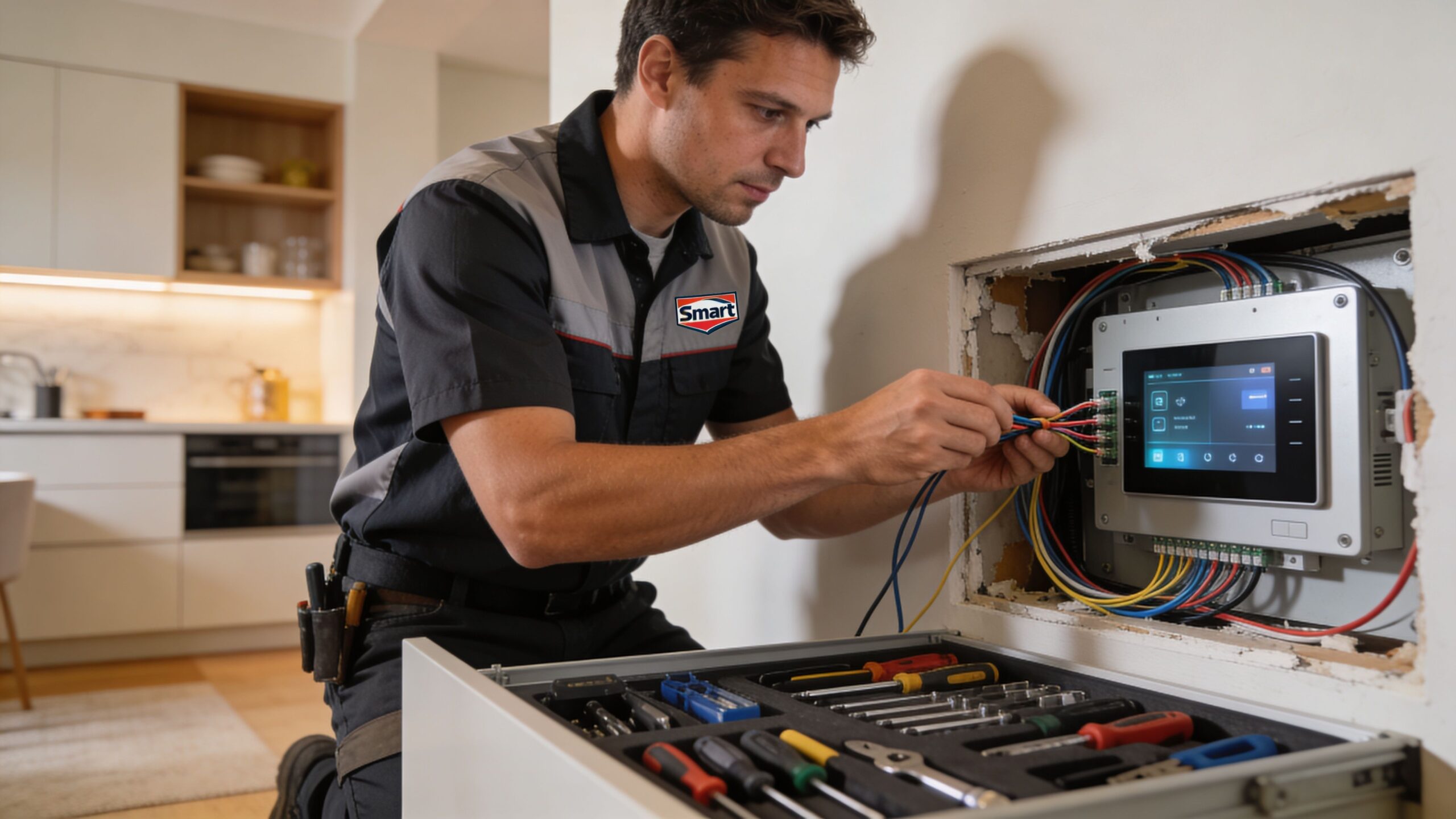
A professional integrator has to think through room use, keypad placement, load types, rack layout, Wi-Fi coverage, equipment cooling, shade groupings, theater signal flow, and future serviceability. In a new build, those decisions happen before drywall closes. In a remodel, they happen before frustration gets baked into the walls.
That’s why professionally planned systems tend to feel easier to use. The simplicity you see at the keypad comes from complexity handled behind the scenes.
Homeowners often blame the lighting system or the automation app when the actual culprit is the network. If the backbone is weak, the whole experience becomes inconsistent. That’s especially true in larger homes with streaming, cameras, touchscreens, voice control, and mobile app use happening at the same time.
A strong network foundation, often built with products such as Ubiquiti, helps keep control responsive and dependable. Good installation also means proper power planning, organized wiring, and clear documentation so future changes don’t turn into guesswork.
If you want a broad outside perspective on what professional smart home installation typically involves, it’s a useful reminder that the visible devices are only part of the job.
A certified dealer does more than connect hardware. They shape the homeowner experience.
For homeowners researching local help, these smart home installers in Wisconsin and northern Illinois show the kind of services that matter most once a project moves beyond a few standalone devices.
Buying premium gear without a proper design is like buying high-end appliances for a kitchen with no layout plan.
This matters most in homes with custom theaters, new construction, whole-home audio, outdoor lighting and sound, restaurants with AV needs, or projects that combine shades, networking, and lighting from the start. The more systems involved, the more valuable professional design becomes.
A polished smart home still needs care behind the scenes. The more complex the system, the more important it is to manage details that most homeowners should never have to think about.
One key challenge in Lutron-Control4 integration is driver stability through OS updates. Another is the nuanced programming required for occupancy-based presets. Making sure Lutron Pico remotes correctly trigger Control4 scenes, or calibrating low-end trim settings for specific LED loads, requires expert knowledge beyond a basic setup, as noted in this Control4 beginner integration guide.
That sentence may sound technical, so here’s the plain-English version. A system can be installed correctly and still need adjustment later when software changes, new fixtures are added, or a family changes how it uses a room.
A homeowner may describe the issue as “the dimming looks weird” or “that button sometimes misses.” Under the hood, the cause might be one of several things:
Reliability in a smart home often comes from maintenance discipline, not just product choice.
The good news is that these problems are usually manageable when the system has been planned well and supported by someone who understands both platforms.
On a winter evening in Wisconsin, you press one button and the house settles in with you. The lights dim to a comfortable level. The shades close for privacy. Music starts in the kitchen, and the family room is ready for a movie without anyone opening three different apps.
That kind of daily comfort is why Lutron and Control4 work so well together. Lutron handles lighting and shades with the precision of a dedicated specialist. Control4 acts like the conductor for the rest of the home, coordinating entertainment, climate, security, and control from one place. A good integration connects those strengths so the house feels calm, predictable, and easy to use.
For homeowners in southern Wisconsin and northern Illinois, the primary benefit is not a longer feature list. It is getting rid of small frustrations that add up over time. Rooms respond the way your family expects. Keypads make sense. Scenes match how you live, whether that means quiet mornings, easier bedtime routines, or better outdoor entertaining in summer.
That is also why professional design matters. A local expert like Home AV Pros can look at the way you use your home, the construction details of the space, and the devices already in place, then build a system that fits instead of forcing you to adapt to the technology. The result is a smarter home that feels natural from day one and stays reliable over time.
Home AV Pros serves homeowners who want clear guidance on custom home theaters, smart home automation, whole-home audio, automated shades, networking, outdoor lighting and sound, new home build integrations, and more. Schedule a free in-home consultation to see how a well-integrated Lutron and Control4 system could work in your home.

Copyright © 2026. Home AV pros. All rights reserved.