
You're probably in the same spot many homeowners reach after living with a few disconnected smart devices. The video doorbell works. A Wi Fi camera covers the driveway most of the time. Phone alerts come through, but not always when they matter. Then you start thinking about a real camera system, one that records reliably, looks clean on the house, and ties into the rest of your home instead of becoming another standalone app.
That's the difference between a basic setup and a professionally planned one. If you're searching for how to cctv camera installation, the right answer isn't just where to screw a camera to the soffit. It's how to design a system that protects the property properly, survives daily use, and works with the smart home platforms you already care about.
DIY security has become normal. In 2026, 49% of alarm system users choose self-installation, while professional CCTV installation services are still projected to grow to $68.7 billion by 2034, and wired systems still hold a 64.23% connectivity share because homeowners and integrators continue to value reliability for permanent systems, according to SafeHome industry data on home security adoption.
That split makes sense. DIY has improved because wireless cameras, mobile apps, and smart home onboarding are easier than they used to be. But a whole-home surveillance system still asks more from the house. It needs power, network stability, clean placement, proper nighttime coverage, sensible recording rules, and a layout that doesn't make the exterior look like an afterthought.
A camera system isn't only about catching motion clips. It's also part of the home's larger technology stack. If the property already uses lighting scenes, voice control, distributed audio, strong Wi Fi, and centralized control, the camera system should fit that environment instead of fighting it.
That's why many homeowners move beyond single-brand starter kits and look at integrated solutions that connect with voice platforms, lighting control, networking, and remote monitoring. If you're already thinking about shades, lighting, media, and security as one system, it helps to look at a broader smart home services approach instead of treating cameras as a separate purchase.
Practical rule: The best camera is the one that still records when the network is busy, the weather turns bad, and nobody has opened the app in weeks.
There's also a useful lesson from commercial environments. Large properties don't choose cameras only by price. They choose them by uptime, manageability, and how well they fit operations. For a useful comparison, this article on securing hospitality venues with Meraki MV shows how camera decisions change when reliability and centralized control matter more than quick setup.
If you're comfortable with tools, you can absolutely install a basic camera. Plenty of capable homeowners do. But once the goal becomes reliable recording, discreet wiring, smart home integration, and polished aesthetics, the project starts looking less like gadget setup and more like low-voltage system design.
That's the right mindset for the rest of this guide.
The install starts long before a ladder comes out. A proper camera layout begins with a site survey, because placement mistakes are expensive to fix after wiring is done and holes are patched.
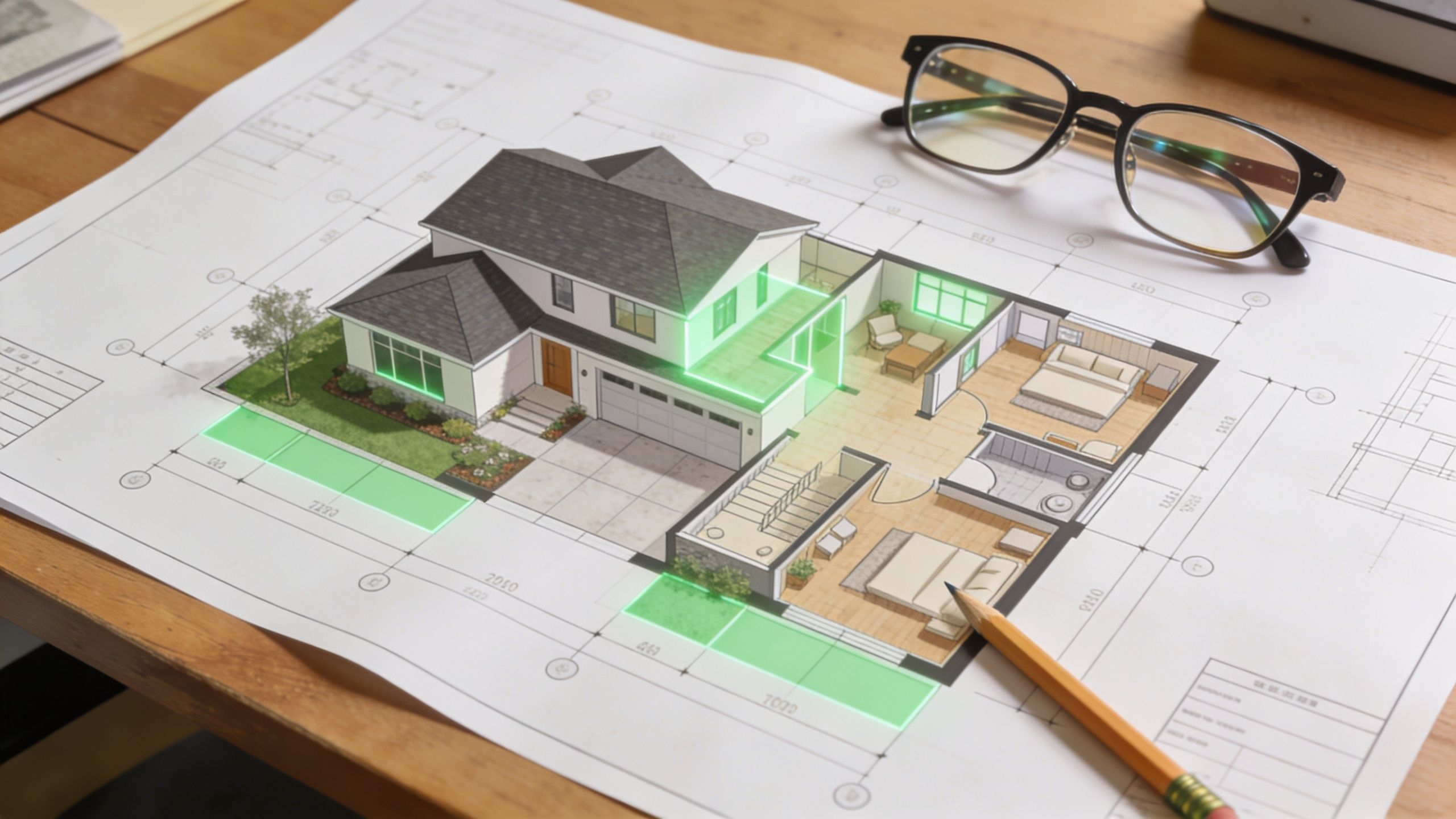
Experts note that a rigorous site survey is foundational for achieving 95%+ coverage efficacy, and they warn that if you ignore IR lighting needs, night vision efficacy can drop by 50% without proper assessment, as outlined in this CCTV coverage planning guide from Farsight.
Many homeowners begin by asking, “How many cameras do I need?” That's backward. Start by mapping the moments you need to see clearly.
Walk the property and note:
Many DIY layouts fail at this specific point. Homeowners often over-cover the front elevation because it's easy, then under-cover side access or rear approaches where someone can spend more time unseen.
Not every mounting point wants the same camera body.
A bullet camera is easier to aim and works well when you want a visible deterrent or need to push coverage down a side yard or across a driveway. A dome camera usually looks cleaner under eaves and is often better where aesthetics matter and the camera needs some visual discretion.
For upscale homes, placement matters as much as product choice. A modern exterior with clean trim lines can look cluttered fast if every camera protrudes at a different angle. The camera should follow the architecture, not interrupt it.
A useful planning mindset comes from the broader IT Cloud Global, LLC security framework. Think in layers: perimeter awareness, entry confirmation, and key activity zones. That prevents the common mistake of aiming every camera at the same obvious spot.
Resolution gets all the attention, especially with 4K systems. But camera performance at night often depends more on lighting conditions, reflective surfaces, and mount angle than headline specs.
Use this quick checklist during planning:
If you want a deeper buying framework before finalizing the layout, this guide on how to choose a home security camera system is a strong next step.
A clean plan usually means fewer cameras, placed more intelligently, with each one assigned a specific job.
If the house already uses Josh.ai, Lutron, Sonos, Ubiquiti, Ring, Eero, or Oelo lighting, include those systems in the layout conversation now. Camera placement influences automations later. A driveway camera can trigger lighting scenes. A gate camera can trigger announcements. A front entry camera can route to the right control interface.
That only works if the layout is intentional from the start.
The backbone determines whether your camera system feels solid or temperamental. Most homeowners compare cameras. Integrators compare architectures first.
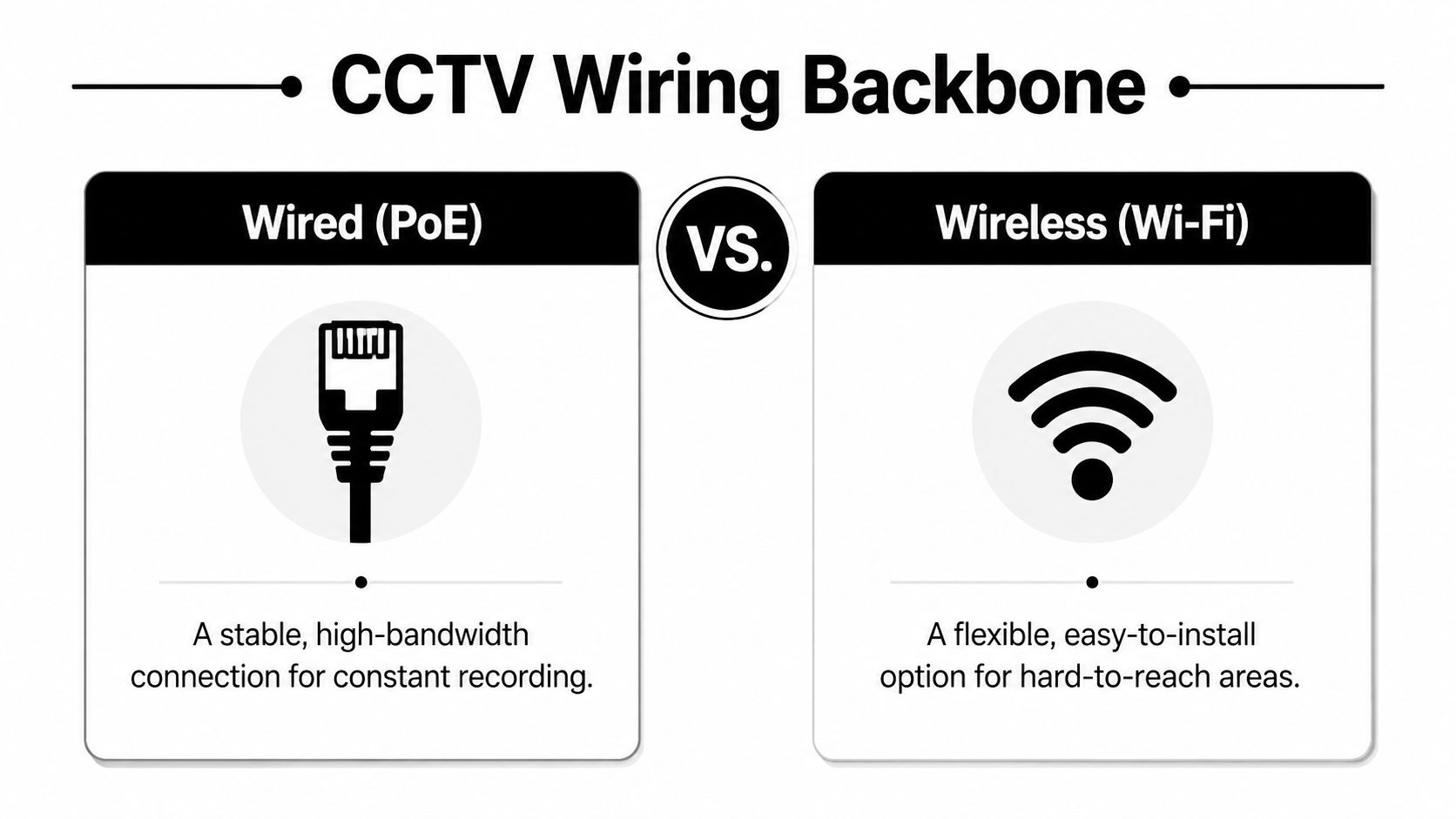
For wired systems, Cat6 Ethernet for PoE can run up to 100 meters and carries both power and data for 4K latency-free transmission, while improper cabling causes an estimated 35% of installation failures in DIY projects, according to this Reolink installation guide on home surveillance wiring.
| System Type | Best For | Reliability & Quality | Installation Complexity | Smart Home Integration |
|---|---|---|---|---|
| PoE with NVR | Permanent whole-home systems | Strongest option for stable recording, high image quality, and predictable performance | Highest, because cable runs and network planning matter | Excellent, especially with Ubiquiti-style networked environments and advanced automation |
| Analog with DVR | Simple replacements or budget retrofits | Usable, but less attractive for modern high-end homes focused on image quality and app experience | Moderate if legacy cabling already exists | Limited compared with modern IP systems |
| Wireless cameras | Apartments, short-term installs, hard-to-reach areas | Convenient, but signal conditions and power management can create inconsistency | Lowest physically, but often higher in troubleshooting later | Good for simple app-based use, weaker for larger integrated systems |
A wired PoE system asks more upfront, but it solves the problems that frustrate homeowners later. You don't have to depend on each camera's local power solution. You don't have to wonder whether a weak corner of the property will hold a stable signal. You get a cleaner path to centralized recording and more predictable behavior when multiple streams are active at once.
That's especially important in larger homes, detached garages, pool houses, and properties with outdoor audio, outdoor lighting, and dense Wi Fi usage. If the house already leans into premium networking, the cameras should ride on that same discipline.
If you want a focused breakdown of that architecture, this primer on what a PoE security camera is and why installers use it is worth reviewing.
Installer view: Wireless is useful. Wired is dependable. Those are not the same thing.
Wireless cameras still have a place. They work well for temporary coverage, detached structures where trenching isn't practical, or spots that would require disproportionate finish work to wire cleanly.
The mistake is building an entire permanent surveillance strategy around convenience alone. A hybrid approach is often smarter. Wire the critical cameras. Use wireless only where it solves a placement problem without compromising the system's main job.
A good install is mostly invisible when it's done well. You notice the camera view, not the cable path, not the mounting hardware, and not a bundle of exposed wire under the eave.
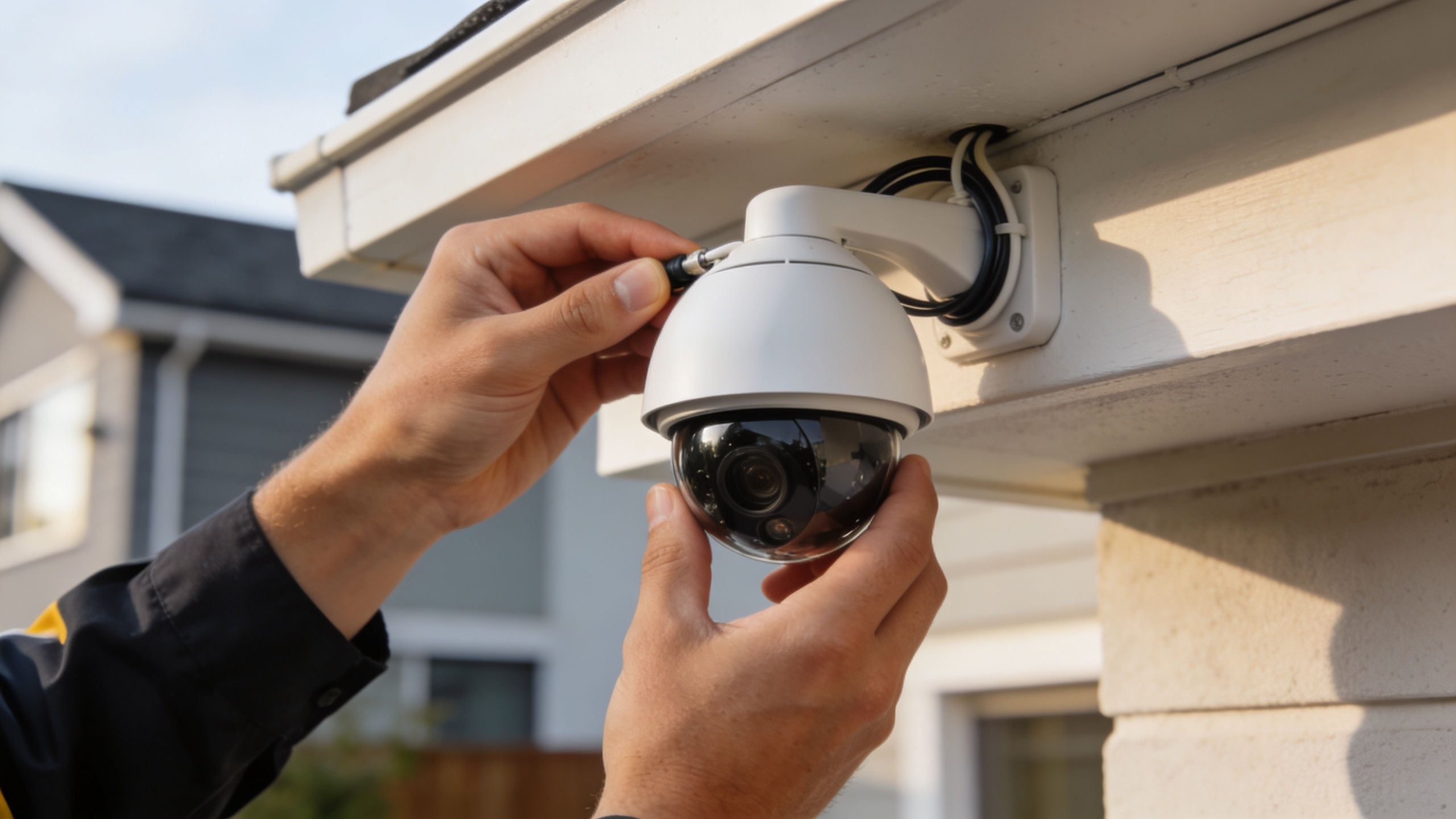
Exterior residential cameras are commonly mounted around 8 to 10 feet high. That height helps deter tampering without pushing the subject so far below the lens that faces become less useful. It also tends to align well with soffits, fascia lines, and trim details, which matters if you don't want the exterior to look patched together.
Aim matters just as much as height. A camera placed under an eave should be adjusted for glare from early morning or late afternoon sun, reflections off light-colored siding, and nighttime spill from nearby fixtures. Installers also account for overhang depth, because a camera tucked too far back can lose part of its usable view.
Professionals usually decide the cable route before they mount the camera body. That keeps holes minimal and avoids awkward last-minute compromises.
A clean route often looks like this:
What doesn't work is the shortcut version. Surface stapling where cable can weather, loose loops tucked under trim, or a camera mounted first and “made to fit” afterward usually leads to a result that looks temporary.
The camera shouldn't be finalized until you've checked the live image on the app or recorder. That's the moment to correct small mistakes that become major annoyances later.
Look for these before tightening everything down:
A quick visual example helps if you want to see the physical side of setup before or after reading this section:
In major U.S. markets, an estimated 25% of residential camera systems face neighbor disputes, and digital privacy masking can reduce legal risks by as much as 90%, according to this guide on where not to position CCTV cameras.
That matters in suburban neighborhoods where a wide lens can easily catch part of a neighboring patio, pool area, or upper-story window. Good installers don't wait for a complaint. They set the view responsibly and use privacy masking where needed.
If a camera can do its job without watching the neighbor's space, tighten the shot and mask what isn't yours.
The best residential installs feel intentional. Every camera has a purpose, every wire has a path, and every view is checked for both security and good judgment.
A camera system becomes more valuable when it can trigger the home to respond. That's where most basic installations stop short.
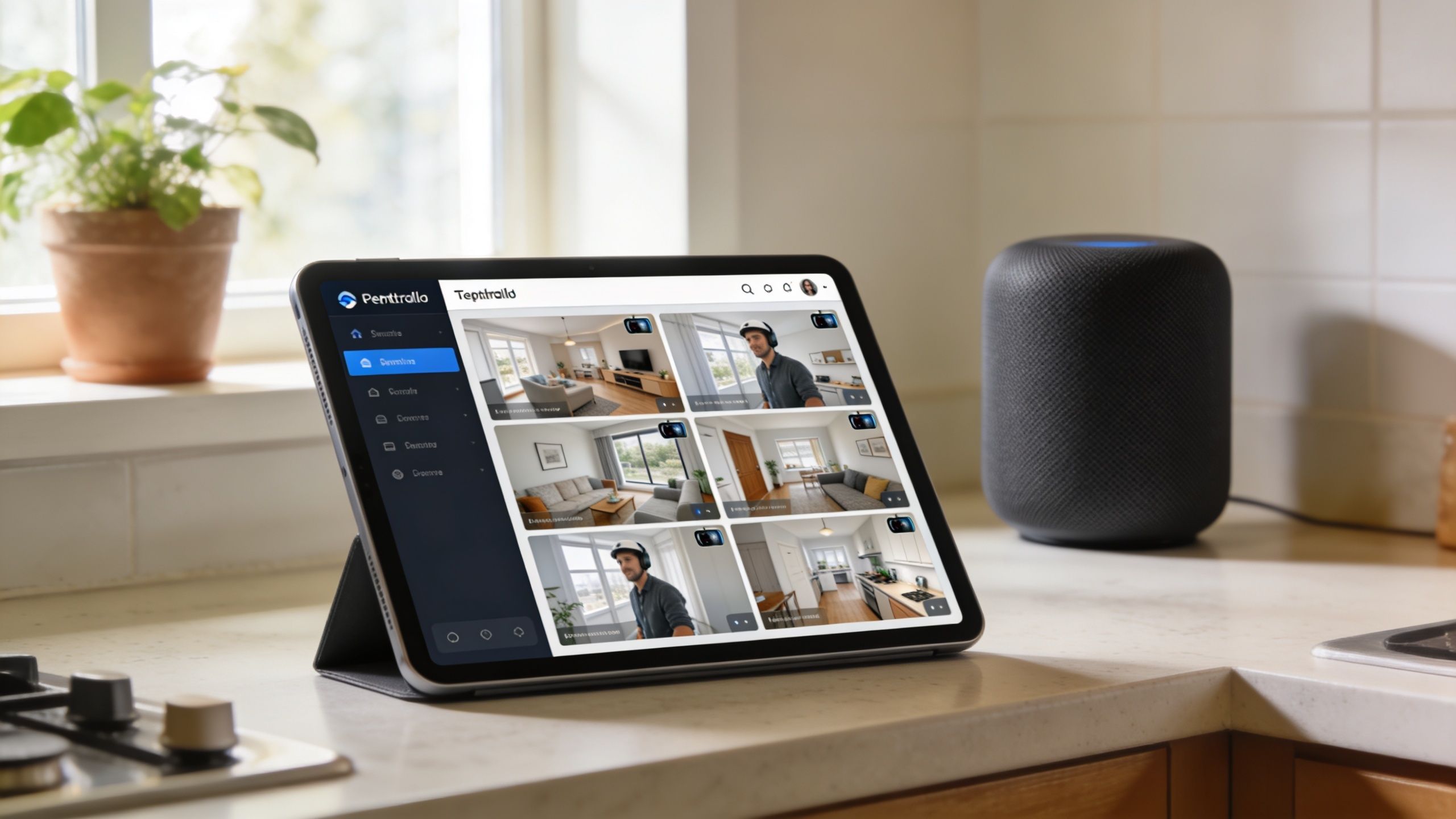
A 2025 report found that 68% of U.S. smart home users own security cameras, yet 42% report integration failures with their automation hubs, while professional low-voltage wiring and programming during the initial install can reduce those failures by up to 75%, according to this smart home camera integration guide from Gen Security.
A push alert by itself isn't much of a security plan. It's better when the camera event launches a response the house can handle automatically.
Examples that work well in a higher-end residential system include:
That's the difference between “I installed cameras” and “the home knows how to react.”
Integration failures often come from simple things that weren't handled at the beginning. Camera and automation platforms may each work fine on their own, but the handoff between them gets messy.
Common problems include:
Integrated planning pays off. If the home also includes media rooms, whole-home audio, custom lighting, or theater spaces, the surveillance layer should be designed with the same discipline as the rest of the system.
There's also an aesthetic side to integration. A polished home doesn't need a wall of apps, random chimes, and awkward tablet screens just because it has strong security. The right programming keeps control simple.
Good integration removes decisions. One command, one scene, one expected result.
That matters most in homes already built around premium experiences. If you care about Josh.ai voice control, Lutron scenes, Sonos zones, Kaleidescape theaters, Ubiquiti networking, or clean architectural finishes, your security system should belong in that ecosystem. It shouldn't feel bolted on beside it.
The same design philosophy carries into other parts of the house too. Homeowners often approach cameras first, then realize they want the same clean execution for custom home theater, new home builds, restaurants, home audio solutions, and outdoor lighting and sound. Security is often the gateway into a more coherent smart home.
Some camera installs are absolutely homeowner-friendly. A few well-placed devices, app setup, and basic notifications can be enough for a condo, townhome, or simple entry-level layout.
But the threshold changes fast when the project includes attic runs, finished walls, detached structures, multiple elevations, recording hardware, network tuning, privacy masking, or smart home programming. That's where the quality gap between “working today” and “working well for years” gets obvious.
You should strongly consider professional installation if any of these apply:
There's also the contractor side of the decision. If you're hiring help, check qualifications and local requirements carefully. This HomeProBadge contractor verification guide is a practical resource for vetting who should be working on your home.
The value isn't that a pro can mount a camera faster. It's that a pro can think through the whole system at once. Camera selection, viewing angles, cable paths, recording hardware, privacy concerns, automation logic, network behavior, and visual finish all affect each other.
That matters even more in homes with broader technology goals. A security project often overlaps with theater rooms, whole-home audio, automated lighting, networking upgrades, exterior lighting, and outdoor entertainment zones. The homeowners who get the best result usually treat those as connected systems rather than separate purchases.
If you're in southern Wisconsin or nearby northern Illinois and want a local team for that kind of work, this page on local security camera installers is the right place to start.
A polished residential system should feel calm. The alerts should make sense. The views should be useful. The house should still look like a home.
If you want help designing a camera system that's reliable, discreet, and integrated into the rest of your home, Home AV Pros serves southern Wisconsin and nearby northern Illinois with custom security cameras, smart home automation, home theater, Sonos whole-home audio, networking, outdoor lighting and sound, permanent holiday lighting, restaurant AV, and low-voltage packages for new home builds. The team works with platforms like Josh.ai, Lutron, Kaleidescape, Oelo, Ubiquiti, Ring, and Eero to build systems that look right, work consistently, and stay easy to use.

Copyright © 2026. Home AV pros. All rights reserved.