
You're probably in one of two spots right now. Either you already bought a camera that seemed affordable until the monthly fees started stacking up, or you're planning a better system for a home that already has smart lighting, audio, strong Wi-Fi, and expectations far above a basic DIY kit.
That's where a security camera system without subscription makes sense. The goal isn't just to avoid a bill. It's to own the footage, keep the system useful if a service changes, and make security work like part of the house instead of a disconnected app with a paywall.
In Wisconsin homes, that usually means making choices that hold up through winter, work with solid networking, and integrate cleanly with platforms such as Josh.ai, Lutron, Sonos, and Ubiquiti. It also means thinking beyond cameras alone. A well-designed home can tie security into lighting scenes, voice control, whole-home audio, and the same infrastructure that supports theaters, media rooms, outdoor lighting, and new build automation.
A lot of homeowners start with convenience. They buy a doorbell or a pair of Wi-Fi cameras, install them in an afternoon, and feel covered. Then the first renewal notice shows up, advanced features get gated behind a plan, and the question changes from “Does this work?” to “Why am I renting my own security system?”
That frustration isn't isolated. Demand for no-subscription security cameras surged by 47% over the past two years, and homeowners can save up to 73% over five years compared to subscription-based models that can cost over $3,000 in recurring fees, according to Security System Finder's review of no-subscription camera systems.
The bigger issue isn't only cost. It's control. A camera should still be valuable if your internet has a bad day, if an app changes policies, or if you decide you don't want your footage living on someone else's servers.
In practice, most people want four things:
Practical rule: If a camera only feels “complete” when a monthly plan is active, it's not the best foundation for a long-term home security design.
There's also a difference between a basic standalone camera and a complete system. A single battery camera might be enough for a side gate. A custom home with lighting control, distributed audio, media spaces, and remote property access usually benefits from something more deliberate.
Homeowners comparing outdoor and off-grid options may also find value in this Magic Eagle cellular security camera guide, especially when they're weighing where a traditional home camera system fits and where a cellular approach makes more sense.
A subscription-free setup usually costs more upfront, but that's often the right trade. The strongest systems are built around infrastructure. Cabling, recorder placement, network design, storage strategy, and integration matter more than flashy packaging.
For homeowners budgeting a full installation, this guide to security camera installation cost considerations helps frame what drives price in a professionally designed system.
The short version is simple. If you want security that works like a permanent part of the home, not a temporary gadget, local ownership wins.
Before choosing camera brands, decide where the video will live. That single decision shapes privacy, reliability, remote access, long-term cost, and how useful the system feels after the first month.
With local storage, footage stays on a recorder in the house or on the camera itself. With cloud storage, clips or recordings are uploaded to a remote service and tied to an account. Both can work. They just solve different problems.
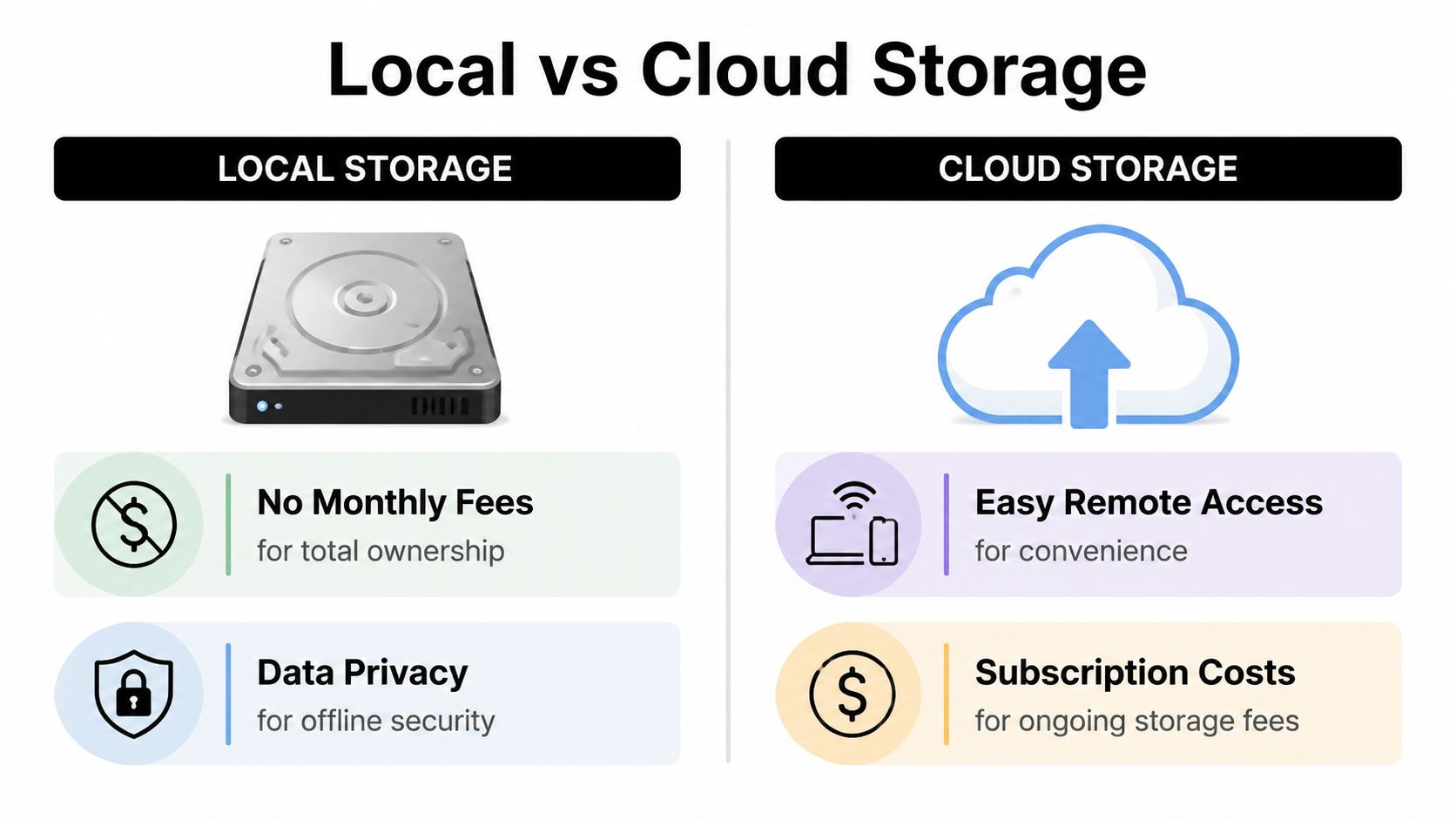
Cloud systems are easy to start with. Open the app, scan a code, and the camera is online. For a small apartment or a single front door, that convenience is appealing.
Local systems ask for more planning, but they give more back. According to SafeHome's annual home security industry resource, local NVRs can retain footage for over a year with a 4TB drive, offer a 99.9% privacy score with no external data sharing, while typical free cloud tiers store only 7-30 days of video, and 32% of users with cloud-only systems face vulnerabilities.
That last point matters. If all your footage depends on a third-party cloud path, you've accepted a dependency that may not fit a privacy-focused home.
| Feature | Local Storage (NVR/DVR) | Cloud Subscription |
|---|---|---|
| Monthly cost | No recurring storage fee | Ongoing paid plans are common |
| Data ownership | Footage remains under homeowner control | Footage depends on provider policies and account access |
| Internet dependency | Core recording can continue locally | Remote recording features often depend on internet and service availability |
| Retention | Can be configured for long archive windows on local drives | Free tiers are usually shorter |
| Privacy | Strong fit for homeowners who want footage kept in-house | Involves external storage and service trust |
| Setup | More planning, especially with NVRs and multiple cameras | Faster to start for simple deployments |
For a high-end residence, local storage usually makes more sense when the cameras are part of a larger automation environment. If the house already has managed networking, centralized AV, lighting scenes, and dedicated equipment spaces, an NVR-based design feels natural.
Cloud-first setups still have a place. They're often fine for:
Local storage tends to reward planning. Cloud storage rewards convenience.
The trade-off is easy to understand once you live with both. Cloud is fast to deploy. Local is stronger when you want the system to be yours.
Many people only think about storage after they've already mounted cameras. That's backward. Storage should come first because it affects every hardware and network decision that follows.
A security camera system without subscription is at its best when the footage stays available, searchable, and private without asking permission from a service plan. That's the core advantage.
Once the storage plan is settled, hardware selection gets easier. The goal isn't to collect random cameras with good marketing. It's to build a system where the cameras, recorder, app, network, and automation layer all work together cleanly.
That usually means choosing the recorder first, then matching cameras to the job.
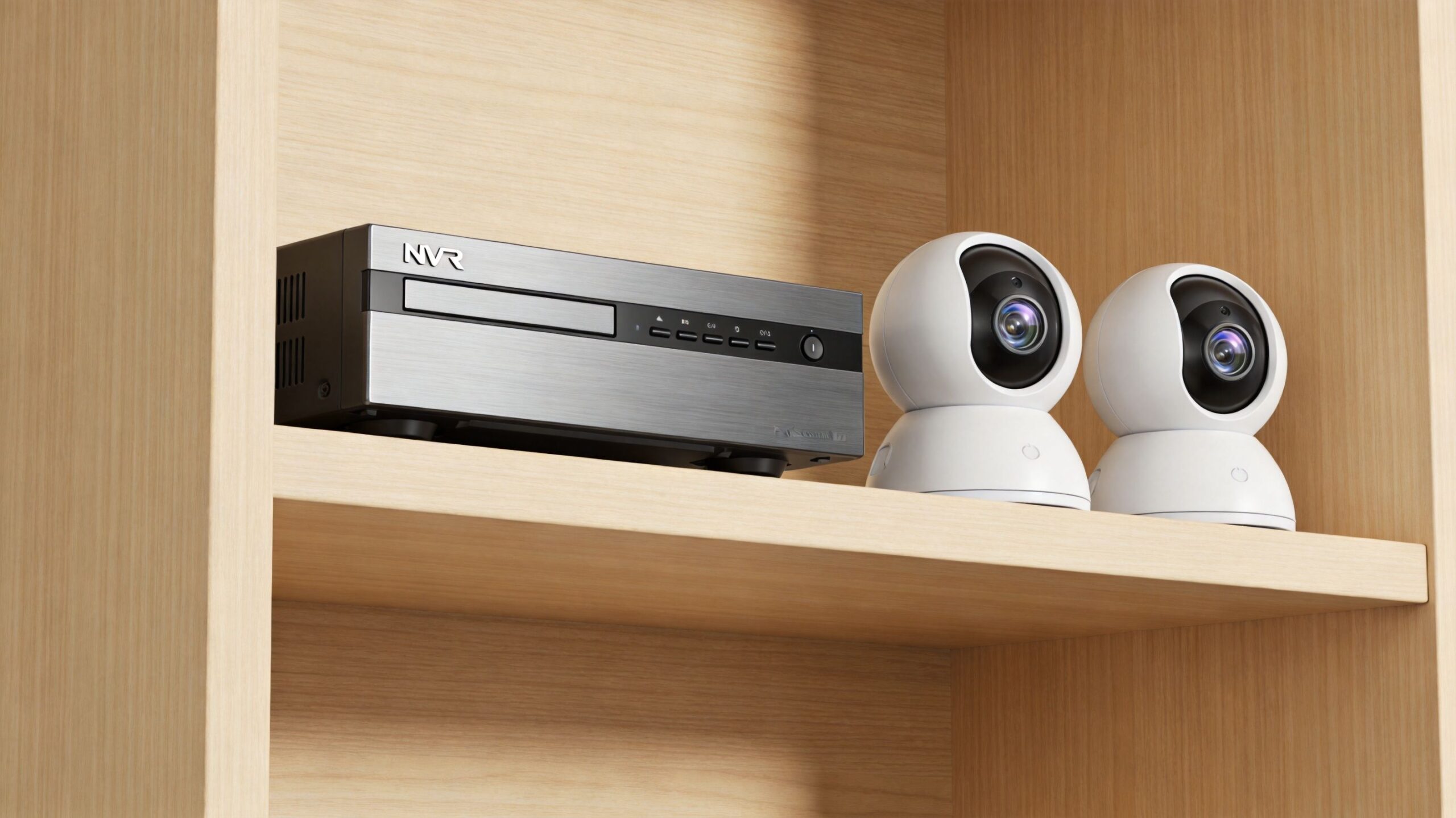
A driveway, front walk, patio, garage apron, side yard, and rear elevation all present different conditions. Some locations need a tight field of view for identification. Others need broad situational coverage. That's why professional systems mix form factors instead of using the same camera everywhere.
Common choices include:
For larger or more design-conscious homes, the camera's look matters almost as much as its specification sheet. White soffits, dark trim, masonry, and wood cladding all influence whether a camera disappears or calls attention to itself.
A few hardware features carry real weight in day-to-day use:
A camera that records beautiful video but sends poor alerts is frustrating. A camera that sends constant alerts becomes background noise. Good system design balances both.
Consumer-grade no-fee options still have a place. According to Consumer Reports' roundup of home security cameras without a subscription, TP-Link and Eufy offer 24/7 recording to local microSD cards with advanced AI detection, while Abode provides full smart home integration and live viewing for a one-time cost.
That leads to a practical split:
For homes built around automation, Ubiquiti UniFi Protect is often one of the most sensible choices. It aligns well with Ubiquiti networking, keeps the experience unified, and avoids the subscription trap. It also fits homes where the owner expects clean app control, dependable remote viewing, and room to expand later.
Ring can still fit into the picture, too, especially for alarm sensors, doorbells, and live viewing, even when a homeowner skips professional monitoring plans. The key is to use each platform for what it does well instead of forcing one brand to handle every role.
For a broader planning framework, this guide on how to choose a home security camera system is a useful companion when comparing recorder-based and app-based approaches.
People shop for cameras because they're visible. The recorder matters more because it determines retention, playback experience, storage management, and expansion options.
A solid recorder should feel boring in the best way. It should run with minimal noise, record consistently, and make it easy to pull up the right event fast. If you have to fight the app, scrub endlessly through clips, or guess whether a camera recorded, the system was built around the wrong priorities.
The most reliable camera systems are usually the least flashy during installation. They depend on cable routes, proper terminations, smart equipment placement, and enough planning before drywall gets closed up.
For homes where performance matters, Power over Ethernet is still the standard to beat.
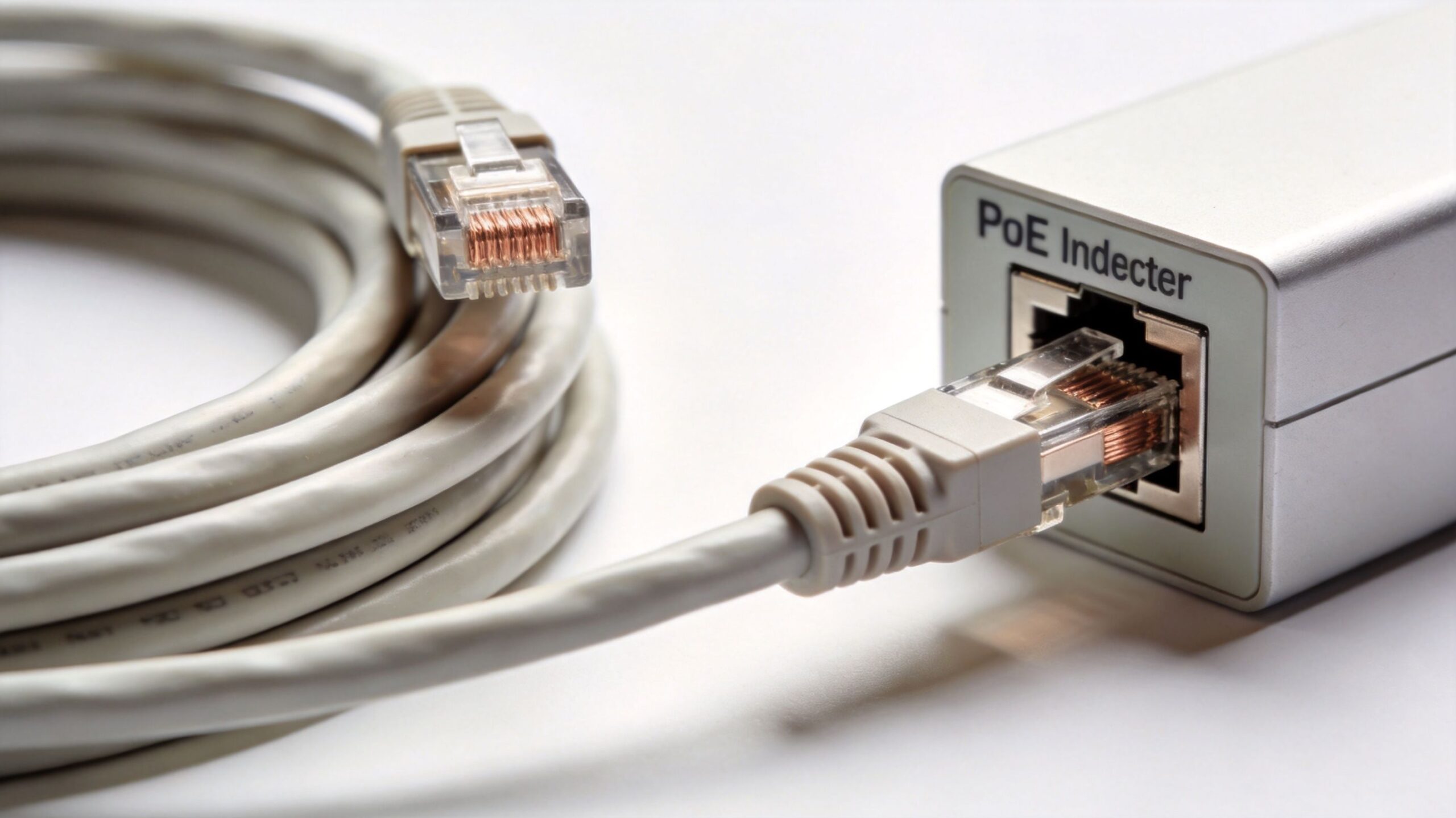
PoE sends power and data over one cable. That simplifies installation and removes many of the headaches that show up with Wi-Fi cameras, extension power arrangements, and inconsistent connectivity.
According to CCTV Camera World's guide to subscription-free security cameras, professional-grade PoE systems outperform Wi-Fi by 40% in latency and achieve 98% uptime, while H.265+ compression can reduce storage needs by up to 70% and a single NVR can power 8-16 cameras.
Those are meaningful differences in a real house. Lower latency helps live view feel immediate. Better uptime means fewer gaps. Efficient compression means longer retention without filling drives too quickly.
A proper camera wiring layout usually accounts for more than the current camera count. It leaves room for additions and avoids painting the homeowner into a corner later.
A strong plan typically includes:
In new construction, this is straightforward when planned early. In finished homes, the installer has to know how to fish cable through attics, basements, soffits, and finished spaces without turning the project into drywall repair.
Not every camera has to be hardwired. Some homes have detached structures, gates, or temporary coverage needs where Wi-Fi or battery-powered devices make sense. The mistake is using Wi-Fi as the default for an entire property when the house would clearly benefit from a wired backbone.
That's especially true in automation-heavy homes. Lutron processors, Josh.ai microphones, Sonos players, streaming devices, TVs, and mobile devices already use the network. Cameras shouldn't compete for bandwidth if they don't have to.
This quick explainer is worth watching if you're comparing networked camera approaches in more practical terms:
Field note: The best time to run camera wire is before you think you need it. The second-best time is before the next remodel closes access.
Many homeowners focus on camera count and resolution, then forget that storage efficiency determines how long the footage remains useful. A high-resolution system that burns through storage too quickly creates frustration fast.
That's why recorder settings matter. Frame rate, recording mode, compression, detection zones, and archive policy all affect how practical the final system feels. A well-set-up NVR can preserve quality while keeping retention long enough to be useful when something happened days or weeks earlier.
If you're weighing whether a wired system is worth it, this overview of what a PoE security camera is gives a good foundation for understanding why professionals recommend it so often.
A camera system gets much better when it isn't isolated. In a well-designed home, security should interact with lighting, audio, control, displays, and networking in a way that feels natural.
That's where the difference between “installed cameras” and an integrated home really shows.
A front exterior camera detects motion after dark. The house doesn't need to blast every light on. Instead, a Lutron scene can bring up the front path or porch lighting in a controlled way that helps visibility without making the house feel chaotic.
A doorbell event comes in during dinner. Instead of everyone reaching for phones, the homeowner can use Josh.ai to call up the front door camera on a family room display or a kitchen screen. The workflow feels like part of the house because it is.
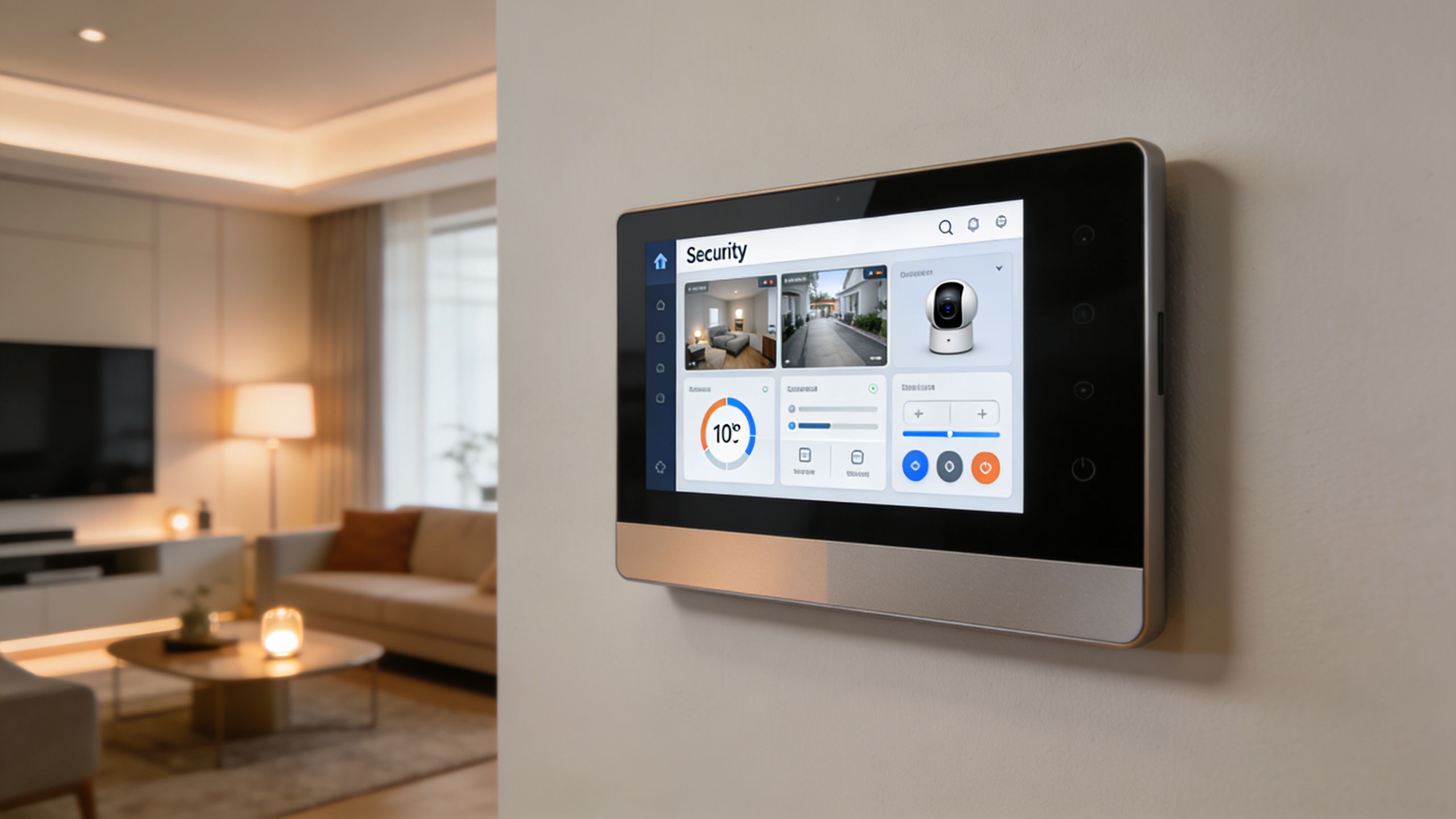
Other examples fit just as naturally:
Security feels more valuable when the response is useful, not just when the notification is loud.
One common misconception is that local storage means giving up remote viewing. That isn't how modern integrated systems work. A good recorder and a properly designed network can still provide secure remote access while keeping the core footage local.
The difference is architectural. The system is built around the home first, with remote access as a secure extension rather than the center of the design.
That matters in larger residences where owners want to check a lake home, a detached garage, a front gate, or a package delivery while traveling. They want access, but they don't want the system to depend entirely on a subscription service just to be functional.
A lot of camera problems are really network problems. Delayed alerts, poor remote playback, spotty mobile viewing, and devices that randomly disappear often trace back to weak Wi-Fi design, bad switching, or overcrowded consumer hardware.
In smart homes with Sonos zones, streaming TVs, voice control, tablets, lighting bridges, and automation processors, Wi-Fi planning isn't optional. It's one reason managed platforms such as Ubiquiti and carefully deployed mesh systems matter so much.
If your cameras, mobile devices, and control interfaces all rely on wireless performance, improving the network often improves the security experience too. This resource on how to improve Wi-Fi signal strength for your smart home is useful when camera issues are really symptoms of a broader network layout problem.
Commercial spaces need reliability. Homes need reliability plus comfort. The system can't feel like office technology installed in a living environment.
That's why integration matters so much in residential work. The camera system should support the family's routines, preserve the look of the home, and work alongside theater rooms, whole-home audio, automated shades, outdoor sound, and lighting control without adding friction. When done right, security becomes part of the home's overall experience, not a separate technology stack the owner tolerates.
Some subscription-free camera projects are reasonable DIY jobs. A single doorbell, a pair of wireless cameras, or one microSD-based backyard unit can be manageable if expectations are modest.
The line gets crossed when the house needs coordinated infrastructure. Multiple exterior elevations, recorder placement, clean cable routing, network segmentation, remote access, lighting integration, voice control, and polished app behavior take planning that most homeowners shouldn't have to learn the hard way.
A professional installer is usually worth calling when any of these apply:
The hardware is only part of the job. The result depends on placement, wiring, programming, and how well every subsystem cooperates.
A professionally designed security camera system without subscription should feel dependable every day, not just impressive on install day. That's especially true in homes where security is one piece of a larger vision that may also include custom home theater, whole-home audio, new home technology packages, outdoor lighting and sound, or even AV solutions for restaurants and other specialty spaces.
If you want a subscription-free security system that fits the way your home works, Home AV Pros can help design and install a clean, reliable solution for southern Wisconsin and nearby northern Illinois homes. From Ubiquiti networking and smart home integration to cameras, lighting control, whole-home audio, home theater, new construction prewire, outdoor lighting, and more, the team builds systems that are designed for the home instead of forced into a generic package.

Copyright © 2026. Home AV pros. All rights reserved.