
You’re probably in one of two places right now.
Either you have a running list in your phone of things you want your home to do, lights that dim automatically, music in the kitchen and patio, better Wi-Fi, cameras, shades, voice control, maybe a theater room that feels finished instead of improvised. Or you already bought a few devices, got part of it working, and realized that “smart” can turn messy fast.
That is the point where smart home automation installers matter. Not because homeowners cannot buy good products on their own, but because a home is a system. Lighting affects shading. Wi-Fi affects cameras. Voice control only feels simple when the programming behind it is disciplined. A beautiful keypad wall means very little if the scenes are clumsy or the network drops devices at the worst time.
In real projects, the relationship matters as much as the hardware. The best outcome comes from a partnership where the installer listens first, designs around your routines, coordinates with the builder or trades, documents the work, and stays available after the final walkthrough. That applies to a primary residence, a remodel, a lake home, or a whole-property plan that includes home audio, theater, networking, outdoor sound, and lighting.
Most homeowners do not start with a wiring diagram. They start with a feeling.
They want the house to feel easier to live in. They want the family room lights to fade down when a movie starts, the front door to lock without a second thought, and the patio music to pick up where the kitchen left off. Those are normal expectations now, not fringe luxuries.
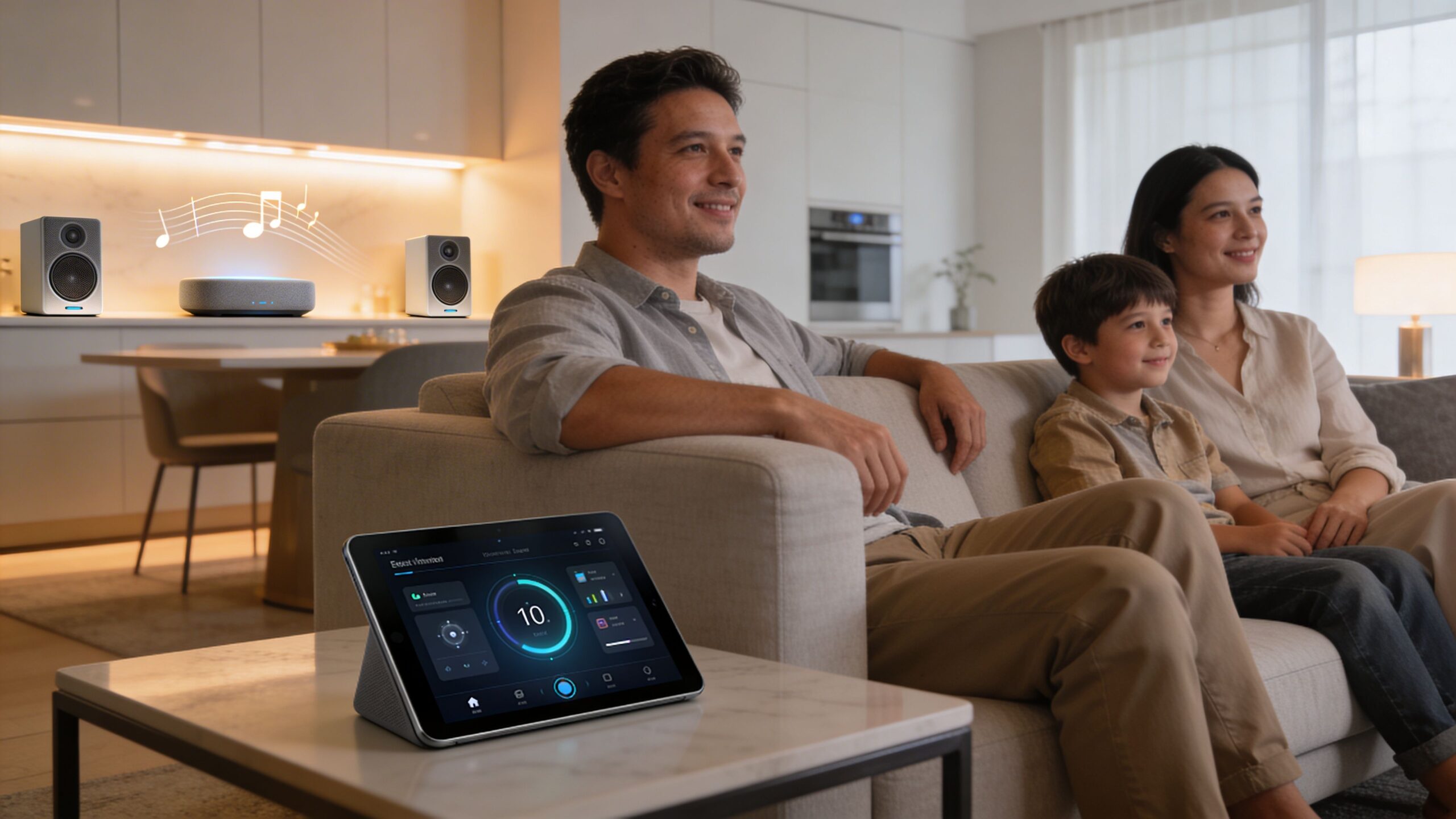
The market reflects that shift. The global smart home automation market is projected to reach USD 227.3 billion by 2035, and in the United States the average revenue per installed smart home is approximately USD 546.50, which shows how many homeowners are investing in integrated systems rather than isolated gadgets (Future Market Insights).
Growth brings choice. Choice brings complexity.
A homeowner can now pick from voice assistants, lighting systems, network gear, smart locks, cameras, streaming platforms, motorized shades, distributed audio, outdoor lighting, and media control apps. The problem is not buying one good device. The problem is making all of it work together cleanly, reliably, and in a way your household will use.
That is where professional smart home automation installers earn their keep. A pro does not just mount gear and leave. A pro designs the ecosystem.
That includes:
Many homeowners start with a few retail devices and discover the limits quickly. One app controls lights. Another handles cameras. A third runs audio. Voice commands work for some rooms, not others. Guests cannot use it. Family members stop trying.
If you are comparing options, this overview of choosing a home automation installation company is useful because it frames the decision around long-term fit, not just product familiarity.
A DIY path can make sense for a single device or one small room. For a larger system, the better question is whether you want to become the installer, troubleshooter, programmer, and support line for your own home. If not, start with a professional consultation. This page on DIY vs. professional automation gives a grounded view of that trade-off: https://homeavpros.com/do-it-yourself-home-automation/
A smart home should disappear into daily life. If the system demands constant attention, the design missed the mark.
Before anyone talks about Josh.ai microphones, Lutron keypads, or a Sonos zone plan, there is a simpler question.
What do you want the home to do when nobody is thinking about the technology?
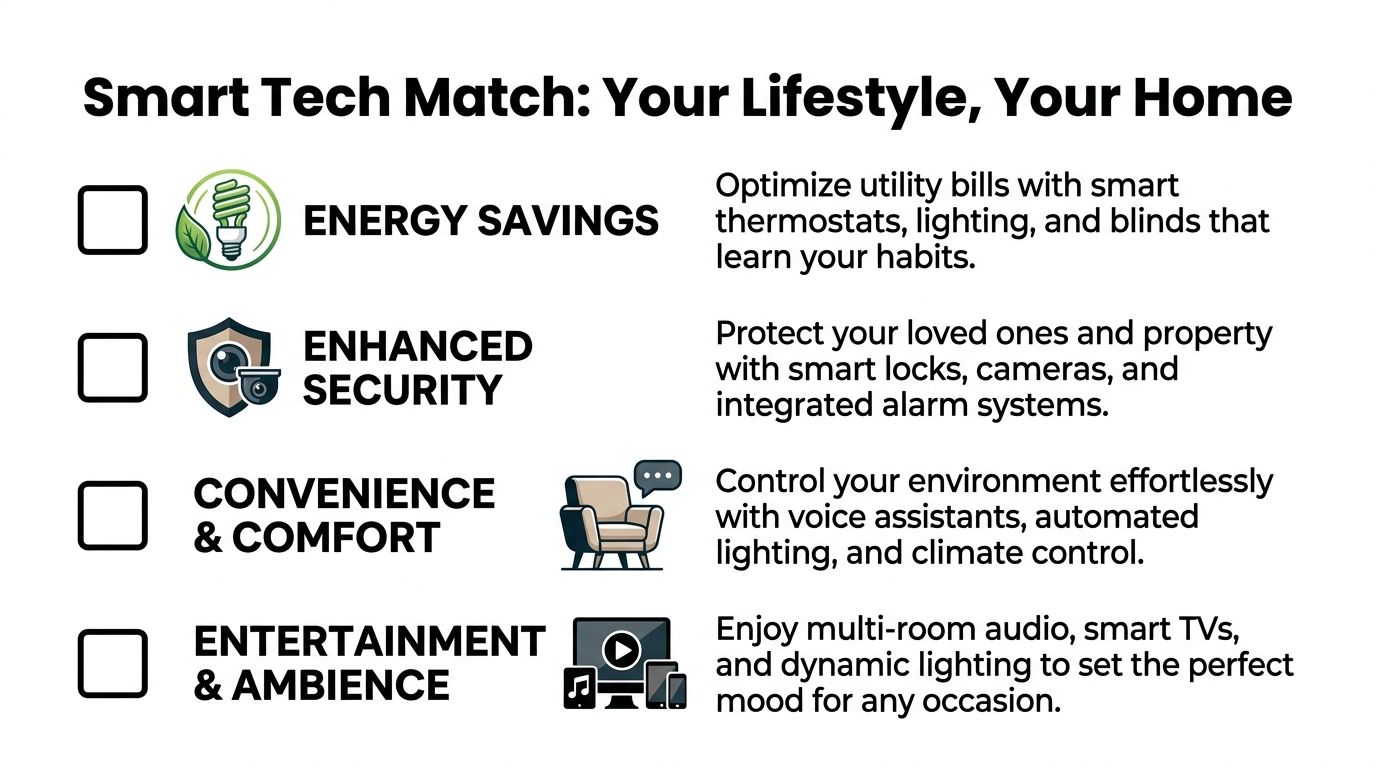
That answer shapes everything. It tells the installer whether the priority is convenience, security, entertainment, aesthetics, or a mix of all four. It also keeps the project from turning into a shopping list of disconnected products.
The strongest smart home plans begin with daily patterns.
A family with young kids may care most about porch lighting, doorbell alerts, and easy bedtime scenes. A homeowner who entertains often may prioritize kitchen, dining, patio, and exterior audio, plus lighting scenes that make the home feel finished without touching a wall full of switches. A movie lover may care less about whole-home audio and more about a dedicated theater with proper acoustics, display calibration, and one-button control.
Write down moments, not hardware:
A good discovery process also covers the property beyond the main living spaces. Homeowners often start with lighting and audio, then realize they also want exterior cameras, stronger Wi-Fi, TV mounting, automated shades, or Oelo permanent lighting that looks clean year-round.
A smart home only performs as well as the network underneath it. That is one of the biggest differences between casual setups and professionally designed systems.
Professional installations achieve 98% uptime compared to 62% for DIY setups, and one reason is that structured process avoids common failures like misconfigured wireless links, which account for 35% of failures in amateur installations (Emorphis).
That is why installers spend time on signal quality, coverage, equipment placement, and protocol choice before the visible gear goes in. If your phones struggle in the back bedroom or the patio already drops calls, adding more connected devices will not solve that.
For homeowners who want a basic primer before that first design meeting, this guide on setting up a smart home is a helpful starting point.
Not all installers work the same way. Some are strong at single-room media. Others are strong at whole-home systems, low-voltage planning, and long-term support.
Look for signs of discipline:
One practical next step is booking a planning conversation with a consultant who can turn your ideas into a proper scope: https://homeavpros.com/home-automation-consultant/
If the installer cannot explain how the system will stay usable for everyone in the house, keep looking.
Technology selection goes sideways when homeowners shop by feature list alone.
The better approach is to match products to the experience you want. A strong system feels coherent because each piece plays a clear role. The voice platform should fit the control style. The lighting platform should fit the architecture. The audio system should fit how often you listen and where. The network should support all of it without drama.
Josh.ai fits people who care about natural interaction and clean control. It is not just about saying a command correctly. It is about speaking like a normal person and getting the intended result.
That matters in larger homes, homes with guests, and homes where no one wants to learn five apps. Josh.ai also works well when paired with lighting, shades, media, and climate in a more unified control approach.
Lutron is usually the backbone when lighting quality and dependability matter. Homeowners notice the polished parts first, keypads that look right, dimming that feels smooth, scenes that make rooms feel settled. What they notice later is how much easier life gets when exterior lighting, shades, and pathway lighting follow a schedule that matches the house.
If your priority is cinema, there is a big difference between “TV room with extras” and a real home theater.
Kaleidescape is for clients who want a premium movie experience with a dedicated library, high-quality playback, and an interface designed around film collection and presentation. It belongs in projects where the room, acoustics, seating, and control are treated as one environment.
Sonos makes more sense when the priority is accessible whole-home audio with broad familiarity and easy daily use. It is a strong fit for kitchens, family rooms, bedrooms, patios, and secondary spaces where frictionless music matters more than theater-grade movie delivery.
A lot of smart home projects now extend outside.
That may mean exterior lighting that feels architectural instead of harsh, audio that covers a patio evenly instead of blasting one corner, and permanent lighting that looks tidy when it is off. Oelo often enters the conversation when homeowners want trim-integrated lighting that avoids the temporary look of seasonal products.
Outdoor projects also expose weak planning fast. Wi-Fi, power, weather protection, speaker placement, lighting zones, and control all matter more than people expect.
The network is not the glamorous part, but it is often the part that decides whether the house feels premium or irritating.
Ubiquiti is a practical fit when the goal is strong property-wide networking, cleaner management of access points and cameras, and a more intentional infrastructure approach. In many homes, that means fewer dead spots, better support for media devices, and a more stable foundation for lighting, voice, and security systems.
If you want a broader explanation of what counts as smart technology in a modern home, this guide is useful: https://homeavpros.com/what-is-smart-technology/
Use the conversation with the installer to test how they think, not just what they sell.
| Category | Question to Ask |
|---|---|
| Lifestyle fit | How would you design this system around the way our family uses the house? |
| Lighting | Do you recommend Lutron here, and if so, why this level of system? |
| Voice control | Where does Josh.ai add value, and where is a keypad or app better? |
| Audio | Should we use Sonos everywhere, or are there areas where another approach makes more sense? |
| Theater | What would make this media room a true theater rather than just a larger TV setup? |
| Networking | How are you planning Wi-Fi coverage, rack layout, and future expansion? |
| Outdoor spaces | How would you zone outdoor audio and lighting so the yard feels balanced? |
| Control | How many apps will we need to use every day? |
| Service | What happens after installation if we want scene changes or need support? |
| Documentation | Will we receive room-by-room details on what was installed and how it is programmed? |
Some firms cover both residential and light commercial systems. That matters if you also want AV in a restaurant, a clean low-voltage package in a new build, or integrated audio and lighting across multiple property types. Home AV Pros handles residential automation as well as custom home theater, new home builds, restaurants, home audio solutions, outdoor lighting and sound, with the main focus remaining the home environment.
The design phase tells you whether the installer is careful or casual.
A careful installer measures, asks, checks pathways, studies existing equipment, reviews how the family uses each room, and turns all of that into a written plan. A casual installer talks in generalities, gives a lump-sum number, and leaves too much undefined.
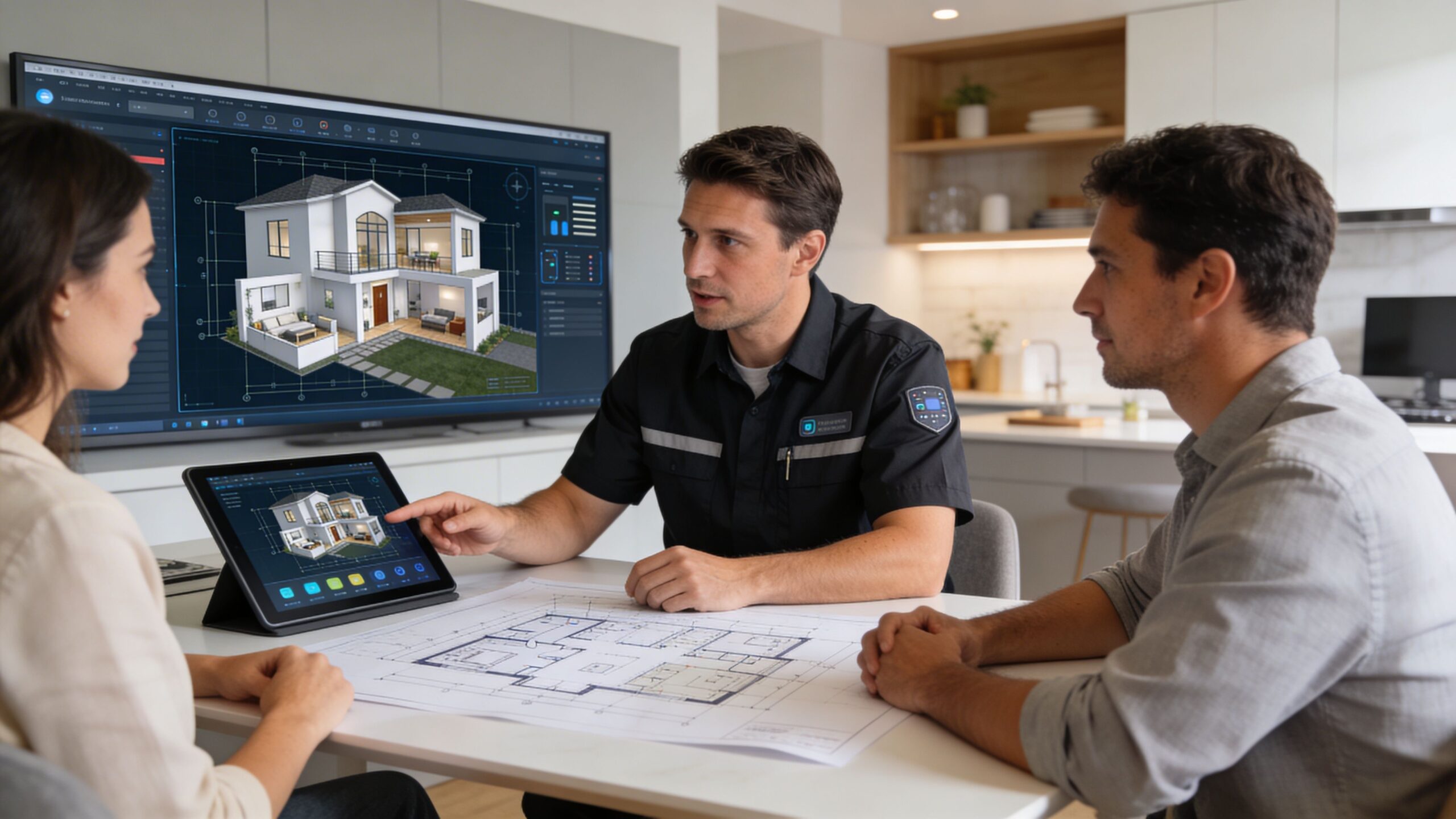
In a new build, the survey includes plan review, device locations, rack space, keypad elevations, speaker layout, shade pockets, camera views, TV mounting conditions, and pre-wire strategy. The installer should be coordinating with the builder, electrician, designer, and sometimes the HVAC team.
In an existing home, the survey is more investigative. The installer needs to know what is inside the walls, whether there are accessible routes, how the current network is performing, and which parts of the house can be upgraded cleanly without making the work invasive.
Retrofitting older homes is one of the places where experience shows. Battery-powered Thread sensors can cut wiring time by up to 40%, but using them well requires knowledge of both newer and legacy protocols so the homeowner is not left with a system that feels split apart later (Mordor Intelligence).
A professional quote should be specific enough that you can understand what you are buying room by room.
Look for:
A contract does not need to be complicated. It does need to be clear.
Here are the warning signs:
A lot of confusion around budget comes from comparing a partial quote to a complete one. If one installer includes wiring, rack build, network hardware, programming, calibration, documentation, and client training, and another only includes visible devices, those proposals are not really competing.
For homeowners trying to understand how pricing is usually structured, this resource gives a useful baseline: https://homeavpros.com/home-automation-system-cost/
The cheapest quote often becomes the expensive project when missing infrastructure and rework show up later.
Installation week should feel organized, not chaotic.
The best projects have a rhythm. Materials arrive in stages. The crew protects finishes. Low-voltage work happens in the right sequence. Programming follows physical install. Final punch-list items are tracked instead of improvised. Homeowners do not need to know every technical step, but they should always know what is happening and what comes next.
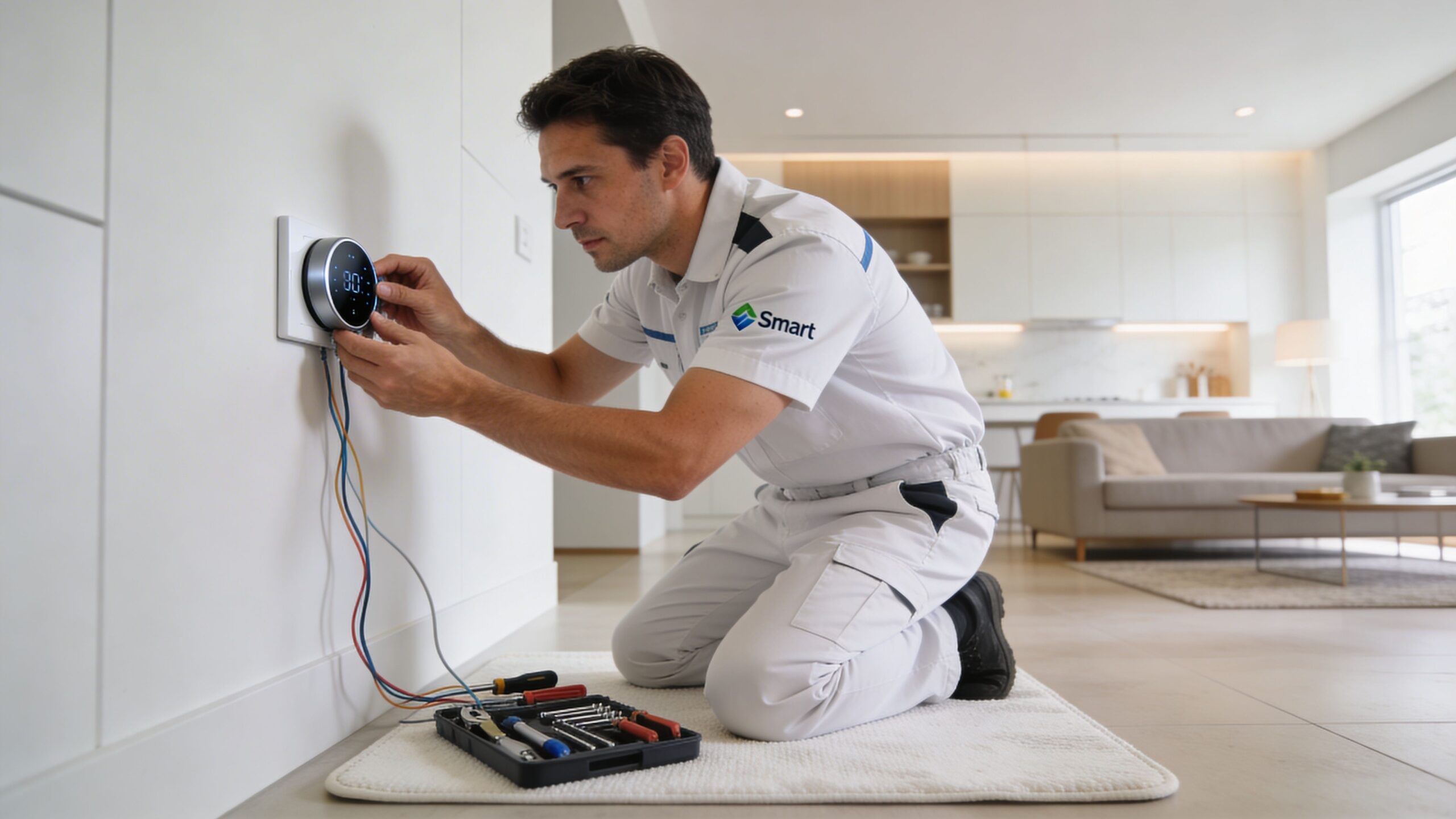
The visible parts come later. The invisible work is what makes the house easy to live with.
That starts with infrastructure. Professional installers use a phased methodology that includes a thorough property assessment to prevent 70% of common retrofit pitfalls, a wired Cat6a backbone for 10Gbps throughput, and detailed documentation that can reduce future troubleshooting time by up to 80% (Vesternet).
In practical terms, that means the crew is thinking about:
For a dedicated theater, this stage can include speaker rough-in, display or projector preparation, control pathways, and the hidden details that separate a clean theater from a room full of visible compromises.
Retrofit work is a different craft.
The crew has to protect floors, finishes, millwork, and paint while still solving for access, power, and signal. In a good retrofit, the technology feels added, but the house does not look disturbed. That takes patience and good judgment.
A typical sequence may look like this:
Protection and prep
Floors, furniture, and work paths are protected before tools come out.
Infrastructure first
Network upgrades, rack work, cable pulls, and power cleanup happen before device trim-out.
Device installation
Keypads, access points, cameras, speakers, displays, shades, and control interfaces go in.
Programming and testing
Scenes, voice commands, source routing, and automation logic are refined.
Punch list and cleanup
The house should feel finished before training begins.
A backyard project follows the same logic. Outdoor lighting, buried or concealed audio, control zones, and Wi-Fi coverage for patios all need to be coordinated so the space feels intentional after dark, not pieced together.
Here is a short visual example of integrated AV work in motion:
It is the first time the house responds the right way without effort.
The “Away” scene shuts off selected lights, lowers shades where needed, arms security, and leaves pathway lighting the way you like it. The theater powers on in the right order. The patio audio starts without anyone hunting through apps. Those moments are the payoff for the planning that happened long before the equipment became visible.
A project is not done when the last keypad is screwed in.
It is done when the household can use the system confidently without guessing. That part gets overlooked far too often. Some installations are technically complete but never become comfortable because the handoff was rushed.
A good training session does not read like a product manual. It follows the way people live in the house.
Start with the basics. Which controls will you use every day? Which rooms have keypads, remotes, voice control, or touch interfaces? How do you start music, change sources, activate common scenes, and recover if something simple gets out of sync?
Then move to household-specific use cases:
Josh.ai, for example, only feels natural after the household understands what kinds of commands make sense and where physical controls are still faster. Lutron scenes also land better when the family knows which buttons were designed for everyday use and which are for occasional settings.
The handoff should include every regular user of the home, not just the person who signed the proposal.
Homeowners tend to ask about hardware warranties first. That is fair. They should.
But the more revealing question is how the installer stands behind the labor, programming, and final configuration. If a keypad engraving needs adjustment, a room scene needs refinement, or a device placement decision proves awkward in real use, what happens next? A serious installer addresses that in writing and discusses it before the work starts.
You also want clarity on who handles manufacturer support. With a multi-brand system, that line can get blurry if no one owns the result.
Smart homes evolve.
You add furniture and want scenes adjusted. You finish the basement and want it integrated. You replace a TV. You add outdoor speakers. A child gets older and the bedroom controls should change. This is why the relationship with the installer matters more than the launch-day demo.
Good support usually includes a few things:
That is especially important in homes with layered systems like theater, distributed audio, networking, automated shades, and outdoor lighting. The best support feels familiar because the installer already understands how the home was designed to work.
Homeowners ask the same hard questions once the dream gets real. Most of them come down to compatibility, usability, and whether today’s choices will create headaches later.
Usually, yes. But “keep” does not always mean “integrate elegantly.”
A major challenge in smart homes is multi-vendor interoperability, especially when new devices are added to legacy systems in an ad-hoc way. Security risks also increase when diverse hubs pile up without a clear architecture, which is why hybrid Zigbee, Z-Wave, and Wi-Fi environments need careful management even as Matter improves some workflows (ENISA).
In practice, an installer should evaluate each existing device and sort it into one of three categories:
Not always.
Single-brand ecosystems can be simpler in limited projects, but most strong custom homes use a curated mix. Lutron may be the right lighting platform. Josh.ai may be the right voice and control layer. Sonos may be right for distributed music. Ubiquiti may be right for networking. Kaleidescape may be right for the theater.
The key is not brand uniformity. The key is deliberate integration.
No. It should complement them.
Voice is excellent when your hands are full, when you want to adjust multiple systems at once, or when someone unfamiliar with the house needs simple control. Keypads are still faster for repeated tasks. Apps remain useful for status, remote access, and deeper control.
The best projects use all three in the right places.
Older homes can absolutely be automated, but the design choices are different.
Access paths may be limited. Wall finishes may need protection. Some spaces benefit from wireless sensors or less invasive control methods instead of aggressive rewiring. The installer should build around the architecture rather than forcing a new-build strategy into an old house.
Only automate the parts you are ready to use well.
For many homeowners, the right first phase is lighting, network, core audio, doorbell and cameras, then selected shades or theater. Others are better served by pre-wiring and infrastructure now, with visible upgrades staged over time. A phased plan is not a compromise if it is intentional.
Ask the installer this directly before signing: “How many apps will my family need for normal daily use?”
That question reveals a lot. A well-designed system reduces app switching and keeps daily tasks simple. If the answer sounds fragmented, the design probably is too.
No, but residential and commercial projects should be approached differently.
Some integrators also work on restaurants, hospitality spaces, and light commercial AV. That can be useful if you want a partner who understands networking, distributed audio, control, lighting, and clean installation across different environments. Even so, the priorities in a home should stay centered on comfort, aesthetics, reliability, and ease of use for the people living there every day.
If you want a smart home that feels cohesive instead of patched together, talk with Home AV Pros about your goals, your space, and how you live. The right plan can bring together lighting, voice control, networking, theater, whole-home audio, outdoor entertainment, and security in a way that stays simple long after installation day.

Copyright © 2026. Home AV pros. All rights reserved.