
You've put a lot into your home. Maybe it's a new build outside Madison, a lake home that sits empty part of the week, or a family house in northern Illinois with deliveries hitting the porch almost every day. Security matters, but most homeowners don't want a house that feels like a storefront or a system that adds complexity every time they leave town.
That's where modern CCTV is different. The actual benefits of installing CCTV cameras aren't limited to catching someone after something goes wrong. A well-designed system discourages bad behavior, shows you what's happening in real time, documents incidents clearly, and becomes far more useful when it's tied into the rest of the home. Cameras that work with Josh.ai, Lutron lighting, Ubiquiti networking, Sonos audio, and smart access control become part of a larger response instead of a standalone gadget.
In southern Wisconsin, that matters. Snow, ice, early winter darkness, detached garages, long driveways, second homes, and patchy consumer Wi-Fi all expose weak systems fast. The camera itself is only part of the job. Placement, wiring, recording, alert settings, and network reliability make the difference between a system you trust and one you ignore.
If you want a quick technical primer before you go deeper, this guide to understanding home CCTV technology is a useful companion. Below are the eight benefits that matter most in real homes, and what works when you want security to feel integrated instead of intrusive.
A driveway camera matters most before anything happens. On a winter evening in southern Wisconsin, when it gets dark before dinner and the side yard is buried in snow, the visible signs of surveillance often push a prowler, trespasser, or porch thief toward an easier house.
That deterrent effect is well established, as noted earlier in the article. In practice, homeowners see the biggest benefit when cameras are placed where someone decides whether to keep coming closer. The front walk, service door, garage apron, side gate, and rear patio entry usually matter more than broad, decorative coverage of the whole lot.
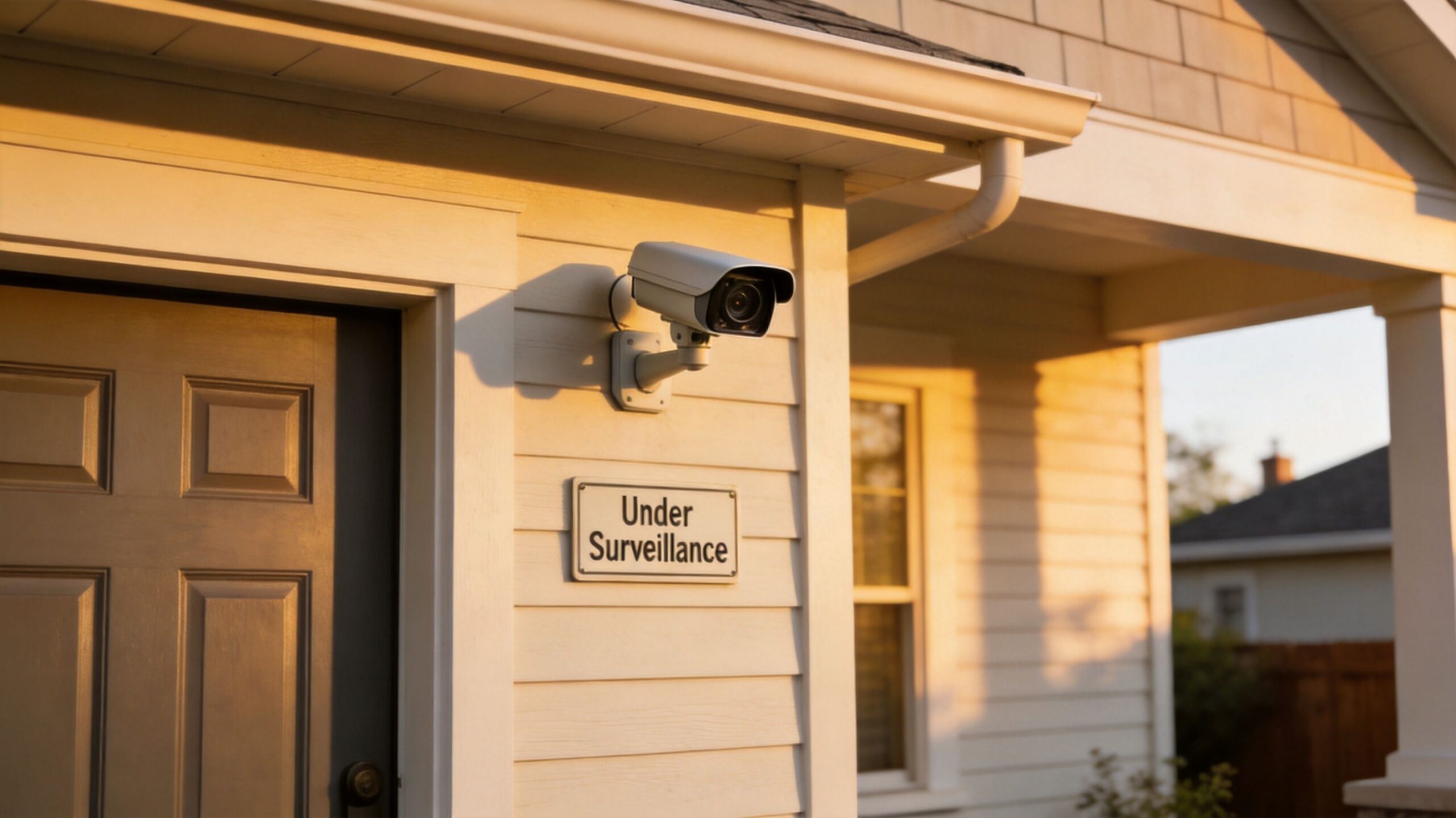
Good deterrence starts with design, not camera count. I regularly see larger homes in Madison suburbs and along the lake spend too much on extra devices and too little on placement, lighting, and network reliability. One well-placed camera at eye level near a front approach will usually discourage bad behavior more effectively than three poorly aimed units mounted too high under the soffit.
A practical layout usually includes:
Placement should match the home and the routine. A family in northern Illinois with constant deliveries has different priorities than a second home in Lake Geneva that sits empty during the week. Snowbanks, reflected glare, and low winter sun also affect camera angles more than many DIY plans account for.
A primary advantage in a higher-end system is the coordinated response. A Ubiquiti camera can flag motion at the perimeter, Lutron can bring up pathway and porch lighting, and Josh.ai can pull the correct view onto a kitchen display or living room TV with a voice command. That setup improves prevention because the house reacts like someone is paying attention, not like a camera is passively recording in the background.
Homeowners sorting through options usually benefit from a guide on how to choose a home security camera system, especially if the goal is to fit security into the architecture cleanly. On larger estates, outbuildings, or mixed-use properties, planning around doors and controlled entry also matters, and industrial security hardware setup by Wilcox is a useful reference point for that side of the project.
When something does happen, footage matters because memory gets messy fast. People disagree on timing, direction, behavior, and who arrived first. Video gives you a clean record.
That record is useful for more than criminal incidents. Homeowners use it for package theft, property damage, vehicle contact in the driveway, disputes with contractors, and insurance claims after weather or vandalism. If a delivery driver says a package was handed off, or a visitor says they never approached a door, timestamped footage settles the issue quickly.
A camera system isn't valuable just because it records. It needs to capture usable footage. In practice, that means clear angles, enough light, and enough storage to keep the relevant clip before it's overwritten.
The system design should answer a few simple questions:
One recurring mistake in homes is placing a high-resolution camera too far from the area that matters. Another is relying on a single flood of wide coverage and assuming you'll be able to zoom your way into useful evidence later. Usually, you won't.
Good evidence starts with the angle. Resolution helps, but placement does the heavy lifting.
This is one reason wired systems tend to hold up better in demanding homes across southern Wisconsin. Brick exteriors, detached structures, cold temperatures, and intermittent battery maintenance all expose weak spots. A professionally installed system with local recording, proper retention settings, and a stable network gives you evidence that's retrievable when you need it.
For homes with premium AV and automation, it also helps to keep the security side cleanly integrated. A Ubiquiti-backed network, solid storage planning, and smart notifications work better than piecing together a few disconnected consumer devices and hoping they all save the right clip.
One of the most practical benefits of installing CCTV cameras is simple. You can check your property without being there. That matters when you're traveling, at work in Milwaukee, at a second home for the weekend, or just upstairs and want to see who pulled into the driveway.
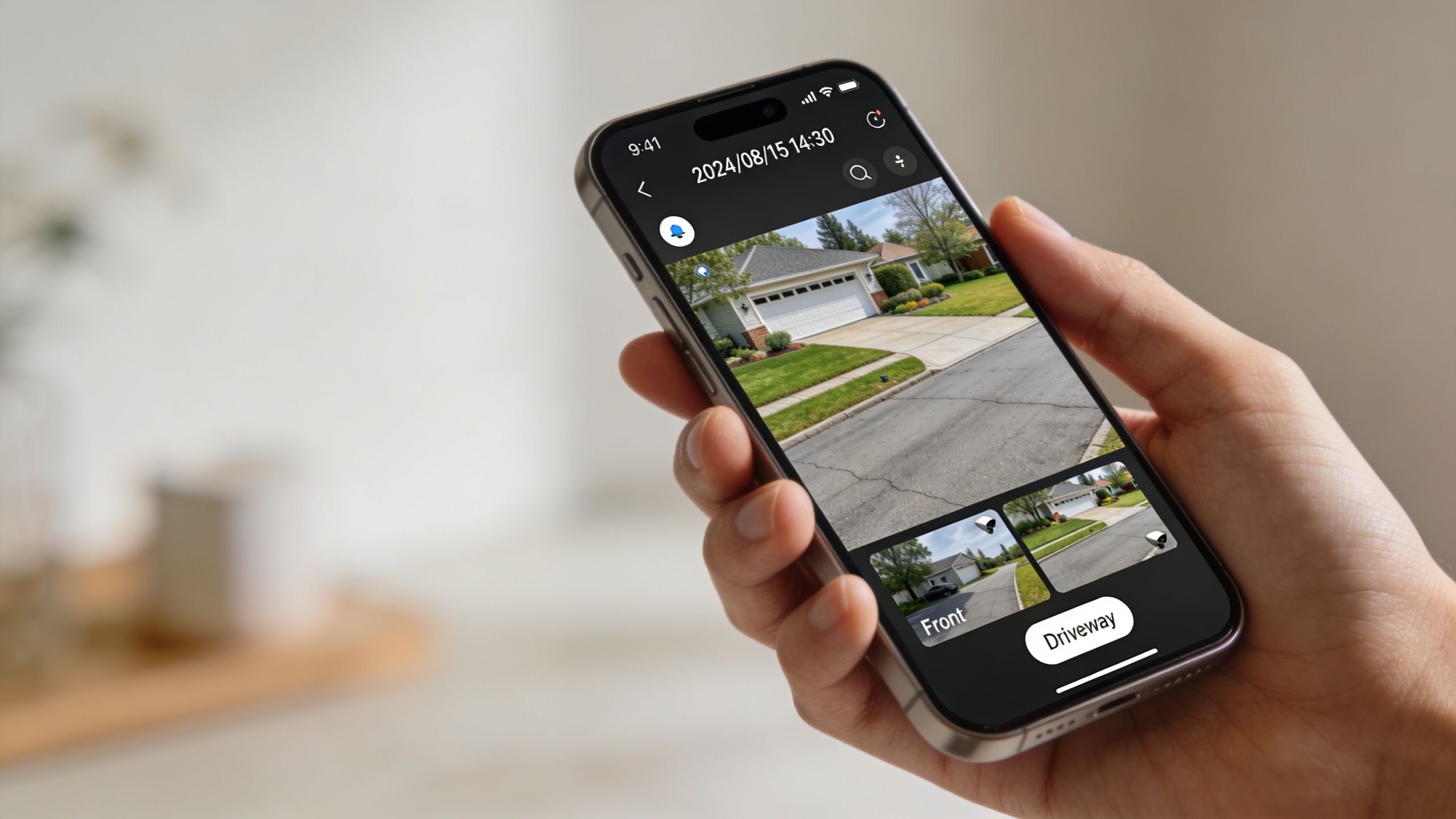
The convenience sounds small until you use it every week. You check whether the kids got home, confirm a service call arrived, look at the side gate after a storm, or verify that someone at the door is a real visitor and not just a sales pitch. For many homeowners, that day-to-day visibility becomes the feature they use most.
Many camera systems disappoint in this regard. The app may be fine, but remote access falls apart if the home network is weak, badly segmented, or overloaded by streaming devices, work calls, and smart home traffic.
In high-end homes, the answer usually isn't “buy a better camera.” It's to build the system on a stable network with proper Wi-Fi coverage, secure remote access, and enough bandwidth where needed. Ubiquiti infrastructure is a strong fit in many larger homes because it gives better control over coverage, device management, and reliability than an off-the-shelf router tossed in a basement corner.
For smart homes, remote access gets better when it's not isolated. A homeowner can view a feed in the camera app, call it up through a control interface, or tie actions to automation scenes. Josh.ai is especially useful here because voice control removes friction. Saying a command to pull up the front gate or driveway camera is a lot easier than accessing a phone, opening the right app, and scrolling through devices.
If you're planning a wired or IP-based setup, this walkthrough on IP camera setup is a good starting point. The main point is practical: remote viewing should be fast enough that you will use it. If it buffers, times out, or disconnects, it stops being a security tool and turns into another project on your to-do list.
A camera over a service entrance, prep area, or detached workshop changes daily operations fast. People follow procedures more consistently when entry points, handoffs, and shared work areas are visible, and owners have a clear record if something goes wrong.
That matters on the kinds of properties we see across southern Wisconsin and northern Illinois. A lake home may include a detached garage with contractors coming and going. A primary residence may have a home office with staff, a workshop, or a small family business attached to it. In those settings, CCTV does more than record incidents. It helps set expectations, verify routines, and sort out what happened.
The biggest mistake is treating cameras as the whole safety plan. Good coverage supports workplace rules, lighting, door control, and training. It does not replace them.
Used well, cameras help with a few practical jobs:
In higher-end properties, the system works better when it is tied into the rest of the home or business technology. A Ubiquiti camera system on a stable network gives cleaner access control over who can view which feeds. Josh.ai can call up the right camera by voice in a shop, office, or kitchen display without sending someone digging through apps. Lutron lighting can support safer conditions by bringing paths, entries, or work zones up to the right light level when people arrive early or stay late. The result is a smoother operation, not just more video.
Privacy still matters. Cameras belong in shared operational areas such as entries, storage zones, loading points, parking areas, and customer-facing spaces. They do not belong in restrooms, changing areas, or anywhere people have a reasonable expectation of privacy. That line needs to be respected from day one.
For mixed-use properties, good design usually comes down to permissions, placement, and retention. The homeowner may want full access. Staff may need only a few cameras. A manager may need playback, while a household member should not see business areas at all. Those details make the difference between a useful system and one that creates tension.
Home AV Pros handles residential, restaurant, new-build, and commercial AV/security projects, so this issue comes up often. The best setups feel easy to live with because the camera plan matches how the property is used. For a business-focused perspective, Securitec Security on CCTV for businesses is a useful comparison point.
It is 1:12 a.m. in January, the wind is pushing snow across the driveway, and a side-yard camera catches movement near a gate that should not be opening. A good system does more than save that clip for later. It alerts the homeowner in time to check the feed, light the path, and decide whether the event needs a voice warning, a call to a neighbor, or a call to police.
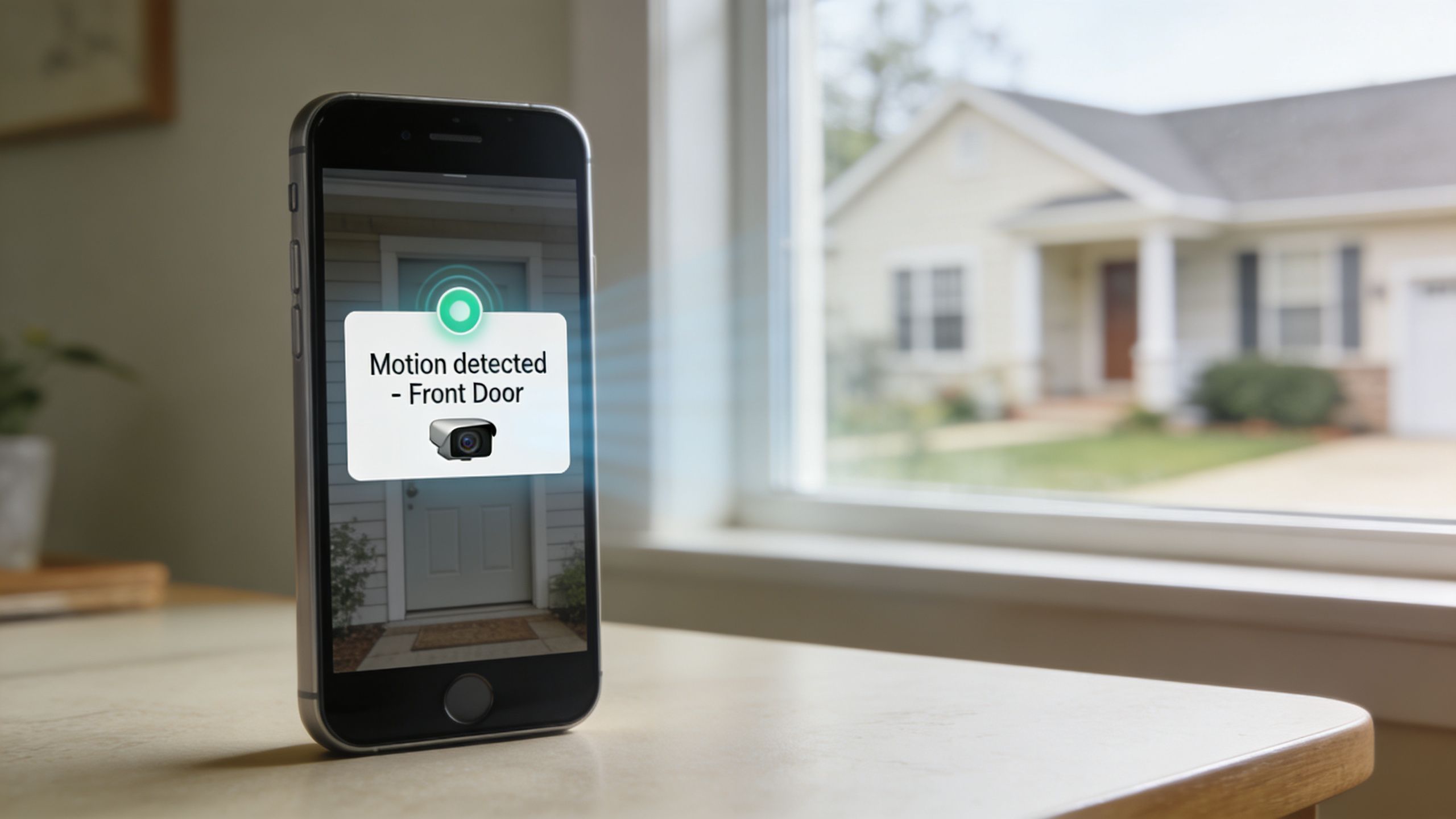
That immediate response is where camera systems start to justify the investment. As noted earlier, actively watched and acted-on systems tend to do more than passive recording alone. In the field, the difference usually comes down to whether the alert is specific enough for someone to trust it and respond quickly.
Alert quality matters more than alert volume.
Homeowners in southern Wisconsin often deal with the same problem. Snowfall, tree movement, headlights reflecting off drifts, and wildlife can create constant motion events if the system is set up poorly. After a week of nuisance notifications, people mute the app, and the system stops helping at the exact moment it should.
A better approach uses rules that match the property:
In higher-end homes, the response should involve the whole house, not just a phone notification. Josh.ai can call up the right camera on a kitchen display or bedside touchscreen without fumbling through menus. Lutron lighting can bring exterior paths, garage aprons, or side entries to full brightness the moment a verified event happens. On a properly designed Ubiquiti network, those commands reach the right devices quickly and reliably, which matters a lot on larger properties and new builds with multiple access points.
That is also why installation details matter. Camera angle, motion zones, Wi-Fi coverage, recording settings, and lighting scenes all affect whether alerts are useful or annoying. A rushed setup creates noise. A planned one gives the homeowner time to act. Homeowners comparing options should review what goes into a professional CCTV camera installation plan before choosing hardware.
Some clients also want an in-home response layer. Sonos can work for discreet interior announcements, but only if the logic is selective. Nobody wants every backyard raccoon announced through the whole house at midnight.
A quick example of live-response thinking is below.
The trade-off is straightforward. Tighter detection catches more activity, but it can create fatigue if the rules are sloppy. Better filtering takes more programming upfront, but it gives homeowners a system they will use when something is happening.
A buyer walks through a lake home near Lake Geneva or a newer build outside Madison and sees more than cameras. They see whether the security system was planned with the house or added later.
That distinction matters.
Cleanly placed cameras, concealed wiring, organized rack equipment, and reliable remote access all signal that the property has been maintained with intention. In higher-end homes across southern Wisconsin and northern Illinois, that can support buyer confidence because the system feels like part of the home's infrastructure, not another project waiting on the next owner.
Insurance can factor in too. Some carriers may offer better terms or discounts for documented security upgrades, especially when cameras are part of a broader package that includes monitored entry points, lighting automation, and recorded video. The practical move is to confirm that with your insurer before installation and keep a record of the scope, model numbers, and installer documentation after the job is done.
More cameras do not automatically add more value. Good design does.
A premium home benefits from coverage that matches how the property is used. Driveway approach, package delivery zones, secondary entrances, detached garages, and lake-facing or wooded rear elevations often matter more than loading the soffits with hardware. Around this region, weather also plays a role. Snow glare, low winter sun, and long driveways can affect placement, lens choice, and nighttime performance, so the best systems are designed for the property instead of copied from a template.
The homes that present best usually have security tied into the rest of the control system. Josh.ai can give the homeowner fast voice control and status checks without digging through apps. Lutron can coordinate exterior lighting so the property feels occupied and well managed. Ubiquiti gives the network and camera layer a stable backbone when it is configured correctly. That combination improves day-to-day use, and it also photographs and shows better during resale because the technology feels polished and easy to live with.
There is a market signal behind that. Buyers increasingly expect integrated smart home features, especially in custom homes and remodels at the upper end of the market. That does not guarantee a specific jump in sale price, but it can reduce the perception that the next owner will need to rework security, networking, and control from scratch.
If you're comparing options, this guide to security camera system installation costs helps clarify what separates a basic camera package from a documented system that supports resale conversations and insurance paperwork.
A homeowner in Lake Geneva might run a design firm from a carriage house. A family in the Madison suburbs might have an estate manager, cleaning staff, and frequent service calls. In those settings, cameras help answer operational questions, not just security questions.
Good video coverage shows how the property or business functions during the day. Entry paths, delivery routines, staff movement, parking turnover, and guest arrivals become easier to review when the system records the right angles at the right quality. Some platforms also offer analytics such as people counting, activity zones, and motion-based review tools that help owners spot bottlenecks or recurring inefficiencies without sitting through hours of footage.
That matters in mixed-use properties and in commercial spaces attached to a residence. We see it with restaurants, home offices, private studios, and service businesses where customer experience depends on timing, access, and staff coordination.
For restaurant and hospitality clients, recorded video often answers practical questions fast. Did pickup traffic stack up at one entrance? Did guests wait too long to be greeted because the host stand placement created a blind spot? Did deliveries arrive where the team expected, or did drivers default to a side door that causes confusion?
For larger homes and estate properties, the same principle applies at a different scale. Video can confirm whether vendors used the correct gate, whether outdoor staff followed the expected route, or why guests kept approaching the wrong entry. In southern Wisconsin and northern Illinois, that gets more important during winter, when snowbanks, early darkness, and slick walkways can change how people move around a property.
The best results come from selective review tied to a real operational issue. Daily micromanagement usually wastes time and creates friction with staff.
A few practical uses include:
Integrated smart home and light commercial systems improve this further. A Ubiquiti camera system can give reliable video and sensible review tools. Josh.ai can make access faster with voice commands for live views on supported displays. Lutron can support the operational side by keeping paths, entries, and transitional spaces properly lit based on time of day or occupancy routines. Used together, the cameras become part of a property-wide control system that is easier to live with and easier to manage.
There is a trade-off, though. More visibility only helps if the system is designed around privacy, retention limits, and useful camera placement. Over-covering staff areas or relying on poor network infrastructure usually creates problems without adding much value.
If you are planning a mixed-use property, estate system, or light commercial install, this guide to security camera system installation costs for professionally designed systems will help you compare scope, storage, and integration options.
A delivery driver slips on an icy front walk in January. A contractor says no one gave him access to the side gate. A neighbor disputes what happened near a shared driveway after a storm. In southern Wisconsin, these are the moments when camera footage stops being a convenience and starts protecting the homeowner.
Liability cases are rarely dramatic. They usually come down to timing, visibility, and whether the recording shows a clear sequence from start to finish. If the clip starts too late, misses the approach, or disappears because storage filled up, it does not do much for a claim, a police report, or a conversation with an attorney.
That is why I treat liability coverage differently from basic perimeter viewing. A camera that gives a decent live view is not always the camera that gives useful proof later. For entry walks, driveways, pool areas, detached garages, and gate lines, the design has to prioritize usable evidence. That means stable recording, correct angles, clean nighttime exposure, and retention settings that match the property.
Integrated systems improve that result. A Ubiquiti deployment with proper local recording gives homeowners better control over clip retention and review. Lutron lighting can keep approach paths, steps, and side entries consistently lit at the times incidents usually happen, especially during early winter sunsets and dark mornings. Josh.ai adds practical access to the system by letting the homeowner call up supported camera views on in-home displays without fumbling through multiple apps. Used together, those systems create a clearer record of who arrived, where they walked, what the lighting conditions were, and how the event unfolded.
The trade-off is cost and planning. More cameras do not automatically reduce liability. Poor placement, wide fisheye views, glare off snow, and motion-only recording often leave gaps right where the dispute starts. I see this often on DIY installs around Madison, Lake Geneva, and the north shore corridor. The homeowner has video, but not the angle or continuity needed to settle the issue quickly.
A few design choices usually make the difference:
Liability protection comes from a system that holds up after the fact. The goal is a recording you can hand to insurance, legal counsel, or law enforcement with confidence, not a vague clip that creates one more argument.
A good camera system is only part of the job. What matters in practice is how well each benefit holds up once the cameras are exposed to real weather, real network conditions, and real daily use. In southern Wisconsin and northern Illinois, that usually means snow glare, long approach drives, detached garages, spotty Wi-Fi at the edge of the property, and homeowners who want fast access without juggling five different apps.
The comparison below keeps the benefits grounded in actual system design. It also reflects a higher-end approach, where CCTV works with platforms like Josh.ai, Lutron, and Ubiquiti instead of sitting in isolation.
| Item | Implementation complexity | Resource requirements | Expected outcomes | Ideal use cases | Key advantages |
|---|---|---|---|---|---|
| Crime Deterrence and Prevention | Medium. Depends on camera placement, visibility, lighting, and signage | Exterior cameras, recording platform, network coverage, lighting support | Stronger perimeter awareness and a visible deterrent at likely entry points | Front entries, driveways, gates, detached garages, lake homes, second homes | Discourages opportunistic activity and gives the property a more controlled feel |
| Evidence Collection and Incident Documentation | Medium. Image quality, retention settings, and camera angle matter more than camera count | High-resolution cameras, local or cloud storage, correct timestamps, export tools | Clearer footage for insurance, police reports, and household disputes | Deliveries, vandalism, vehicle incidents, contractor visits, access questions | Provides a usable record instead of a vague motion clip |
| Remote Monitoring and Mobile Accessibility | Medium. Reliable remote access depends on network stability and app setup | Secure internet connection, mobile apps, remote permissions, cybersecurity practices | Live viewing and quick verification from anywhere | Frequent travelers, second-home owners, busy families, gated properties | Lets homeowners check the property quickly without being on site |
| Employee Accountability and Workplace Safety | Medium to high. Requires policy planning, camera coverage, and legal notice where required | Multiple cameras, storage retention, notice procedures, access controls | Better oversight of workflows, entrances, and safety-sensitive areas | Offices, retail, service businesses, warehouses, mixed-use properties | Supports training, clarifies incidents, and reduces confusion around workplace events |
| Real-Time Alerts and Immediate Response Capability | High. Alert quality depends on setup, detection zones, and system integration | Smart detection, fast network, mobile notifications, optional lighting and access control integration | Faster awareness of motion, people, vehicles, or door events | Large properties, perimeter-focused homes, homes left vacant for stretches, higher-risk sites | Helps owners respond sooner and pair alerts with lighting, audio, or lock actions |
| Property Valuation Enhancement and Insurance Benefits | Medium. Value depends on installation quality, aesthetics, and insurer requirements | Professionally installed hardware, documentation, stable power and network, tidy design | Added buyer appeal and possible insurance conversations based on the installed system | Custom homes, remodels, new builds, luxury residences | Improves perceived preparedness and can make the home more attractive to future buyers |
| Operational Visibility and Customer Service Improvement | Medium to high. Best results come from thoughtful placement and review habits | Multi-angle coverage, storage, user permissions, optional business system integration | Clearer view of traffic flow, service timing, and transaction questions | Retail, hospitality, salons, showrooms, front desks | Helps owners spot friction points and coach staff with actual footage |
| Liability Protection and Dispute Resolution | High. Footage must be complete, time-aligned, and easy to export | Secure storage, retention planning, tamper controls, accurate timestamps, documented access | Stronger support for resolving claims and conflicting accounts | HOAs, contractors, public-facing businesses, homes with frequent vendors or guests | Creates a cleaner record for insurance, counsel, and law enforcement |
For higher-end homes, the primary advantage comes from integration. A Josh.ai voice command can pull up the front gate camera in the kitchen or primary suite. Lutron lighting can bring exterior paths up to a useful level when perimeter activity is detected. Ubiquiti can keep cameras, remote access, and recording on a network built for constant traffic instead of a consumer router that struggles once winter weather and distance enter the picture.
There are trade-offs. More features require more planning, and superior results typically stem from fewer, better-placed cameras integrated into lighting, networking, and control correctly. That is the difference between having cameras on the house and having a security system that fits how the home is used.
The biggest shift in residential security is that cameras no longer need to sit in their own silo. The strongest systems don't just record. They trigger lighting, support remote verification, preserve useful evidence, and fit naturally into the way you already live in the home.
That's especially true in southern Wisconsin and northern Illinois, where homes often deal with longer driveways, detached garages, second-home occupancy patterns, harsh winter conditions, and a mix of family use, deliveries, contractors, and travel. A cheap camera can still be better than nothing. But the difference between “installed” and “designed well” is huge. Placement, lighting, recording method, network stability, storage retention, and app usability all matter more than the product box suggests.
For homeowners who care about clean aesthetics and daily convenience, the smart home layer is what turns CCTV into a real upgrade. Josh.ai can make camera access fast and natural. Lutron can tie lighting scenes to motion and perimeter activity. Ubiquiti can keep the network stable enough that remote viewing works. Sonos can support in-home awareness when appropriate. And if your property already includes custom theater, whole-home audio, outdoor lighting, Oelo permanent lighting, or a full new-build automation plan, security should fit into that ecosystem instead of competing with it.
That integrated approach also keeps the house feeling like a home. Cameras shouldn't dominate the architecture or create constant noise from useless alerts. They should be placed with purpose, tuned carefully, and supported by infrastructure that disappears into the background. That's usually where professional design earns its keep.
Home AV Pros is designed for that type of project. The company manages much more than security systems alone, including custom home theater, new home builds, home audio, restaurants, outdoor lighting and sound, networking, shades, and smart home automation. That matters because modern security performs better when it's planned alongside the rest of the property, not bolted on later by a separate contractor.
If you're in the Madison, Milwaukee, Rockford, or nearby northern Illinois area and want a system that does more than capture clips, a custom plan is the right next step. The right CCTV setup should give you peace of mind without adding friction, and it should feel just as polished as the rest of your home.
If you're ready to plan a camera system that works with your home instead of against it, contact Home AV Pros for a free in-home consultation. Whether you're building a new home, upgrading a lake house, adding smart security to an existing property, or tying cameras into Josh.ai, Lutron, Sonos, Kaleidescape, Oelo, and Ubiquiti, their team can design a clean, reliable solution suited to how you live.

Copyright © 2026. Home AV pros. All rights reserved.